Plan stories with AI outlines
AI Story Planner (Mobile App)
AI-powered story planning workspace to structure ideas, generate outlines, and accelerate writing workflows.
Documentation
MyStory — AI Anime Story Generator
Generate personalized anime-style comic stories powered by Google Gemini AI. Define your characters, pick a genre, and watch your story come to life as illustrated comic panels.
Screenshots
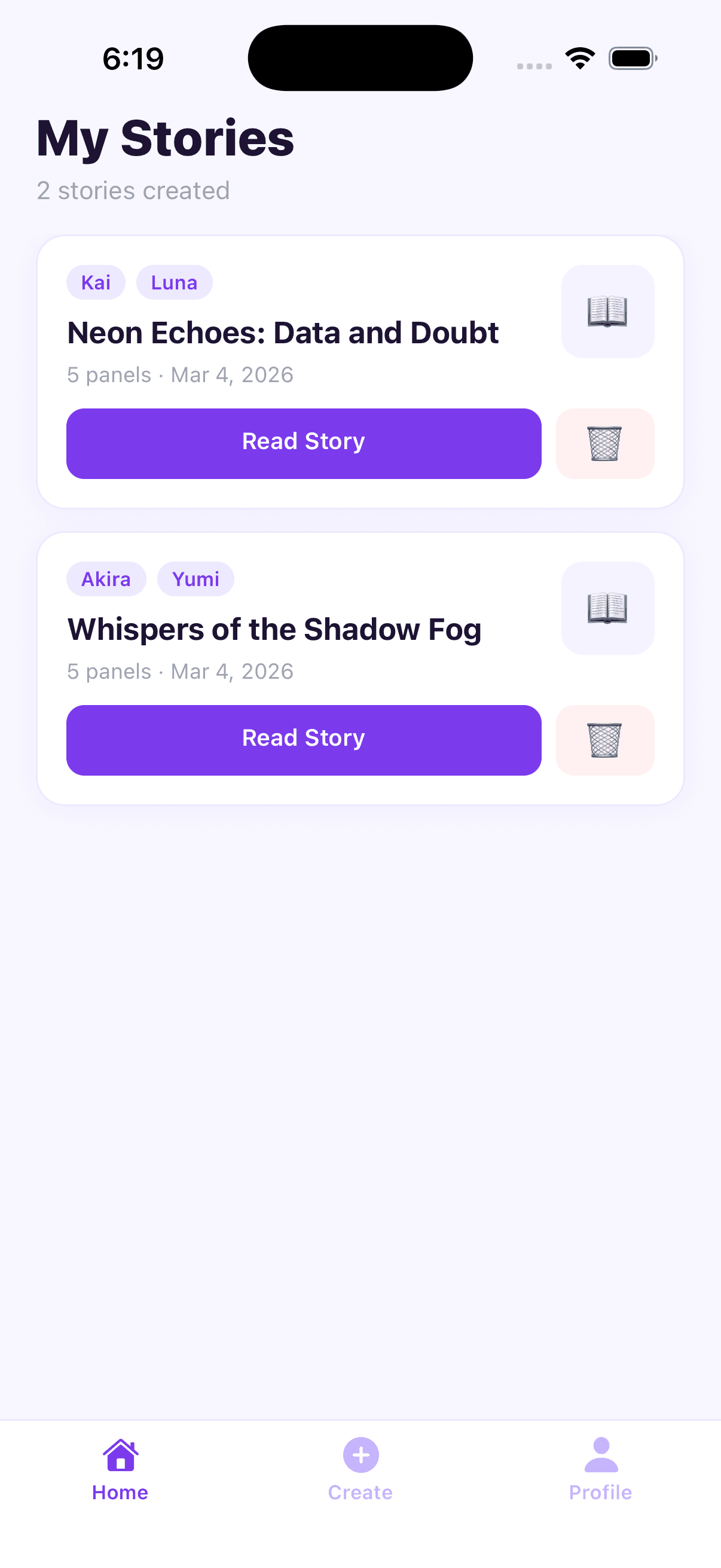
<table> <tr> <td align="center"><b>My Stories</b></td> <td align="center"><b>Create Story</b></td> <td align="center"><b>Story Viewer</b></td> <td align="center"><b>Profile</b></td> </tr> <tr> <td><img src="images/stories-page.png" width="220" alt="My Stories screen" /></td> <td><img src="images/create-story.png" width="220" alt="Create Story screen" /></td> <td><img src="images/story-preview.png" width="220" alt="Story Viewer screen" /></td> <td><img src="images/profile.png" width="220" alt="Profile screen" /></td> </tr> </table>Features
- AI Story Generation — 5-panel anime-style comic narratives generated by Gemini
- Character Images — AI-generated anime character portraits per story
- Comic Viewer — Scrollable panel layout with dialogue bubbles and scene narrations
- Local Storage — Stories saved on-device; read them offline anytime
- Simple Onboarding — Just enter a username — no passwords, no accounts
- Form Auto-Reset — Create form clears automatically after each successful generation
- Light Theme — Clean, modern UI with soft lavender tones and purple accents
Tech Stack
| Layer | Technology |
|---|---|
| Framework | Expo SDK 54 (React Native 0.81) |
| Navigation | Expo Router v6 (file-based) |
| Styling | NativeWind v4 (Tailwind CSS) + inline styles |
| AI | Google Gemini API (gemini-2.0-flash, gemini-2.0-flash-preview-image-generation) |
| Storage | @react-native-async-storage/async-storage |
| Language | TypeScript (strict) |
Project Structure
mystory/
├── app/
│   ├── _layout.tsx          # Root layout — auth guard + navigation
│   ├── login.tsx            # Onboarding screen
│   ├── (tabs)/
│   │   ├── _layout.tsx      # Tab bar (Home · Create · Profile)
│   │   ├── index.tsx        # Home — story list
│   │   ├── create.tsx       # Create story form
│   │   └── profile.tsx      # Profile & stats
│   └── story/
│       └── [id].tsx         # Comic story viewer
├── lib/
│   ├── types.ts             # TypeScript interfaces
│   ├── storage.ts           # AsyncStorage helpers
│   └── gemini.ts            # Gemini API integration
└── images/                  # App screenshots
Getting Started
Prerequisites
- Node.js 18+
- Expo Go app on your phone, or an iOS/Android simulator
- A Gemini API key — get one free at aistudio.google.com
Installation
# Clone the repository
git clone https://github.com/Hitesh-s0lanki/ai-story-planner.git
cd ai-story-planner

# Install dependencies
npm install
Environment Setup
Create a .env file in the project root:
EXPO_PUBLIC_GEMINI_API_KEY=your_gemini_api_key_here
The
EXPO_PUBLIC_prefix is required for Expo to expose the variable to client-side code.
Run the App
# Start the development server
npx expo start

# Run on iOS simulator
npx expo start --ios

# Run on Android emulator
npx expo start --android
How It Works
Story Generation Flow
User fills form
      │
      ▼
Gemini (gemini-2.0-flash)
generates 5-panel story as structured JSON
      │
      ▼
Gemini (gemini-2.0-flash-preview-image-generation)
generates character portraits (base64 inline)
      │
      ▼
Story saved to AsyncStorage
      │
      ▼
Comic viewer opens
Data Models
Story {
  id         string
  title      string
  characters Character[]
  panels     Panel[]
  createdAt  string        // ISO date string
}

Panel {
  imageBase64?      string // base64 data URI (optional)
  imageDescription  string // illustrated placeholder fallback
  dialogue          string
  narration         string
  characterName?    string
}
Screens
| Screen | Route | Description |
|---|---|---|
| Login | /login | Enter username → saved to AsyncStorage |
| Home | /(tabs) | List of saved stories with read / delete |
| Create | /(tabs)/create | Story input form + Gemini generation |
| Profile | /(tabs)/profile | Story & panel counts + edit display name |
| Story Viewer | /story/[id] | Scrollable comic panel reader |
Environment Variables
| Variable | Required | Description |
|---|---|---|
EXPO_PUBLIC_GEMINI_API_KEY | Yes | Google Gemini API key from aistudio.google.com |
License
MIT
Keep exploring
Related work
MindBoard Arena
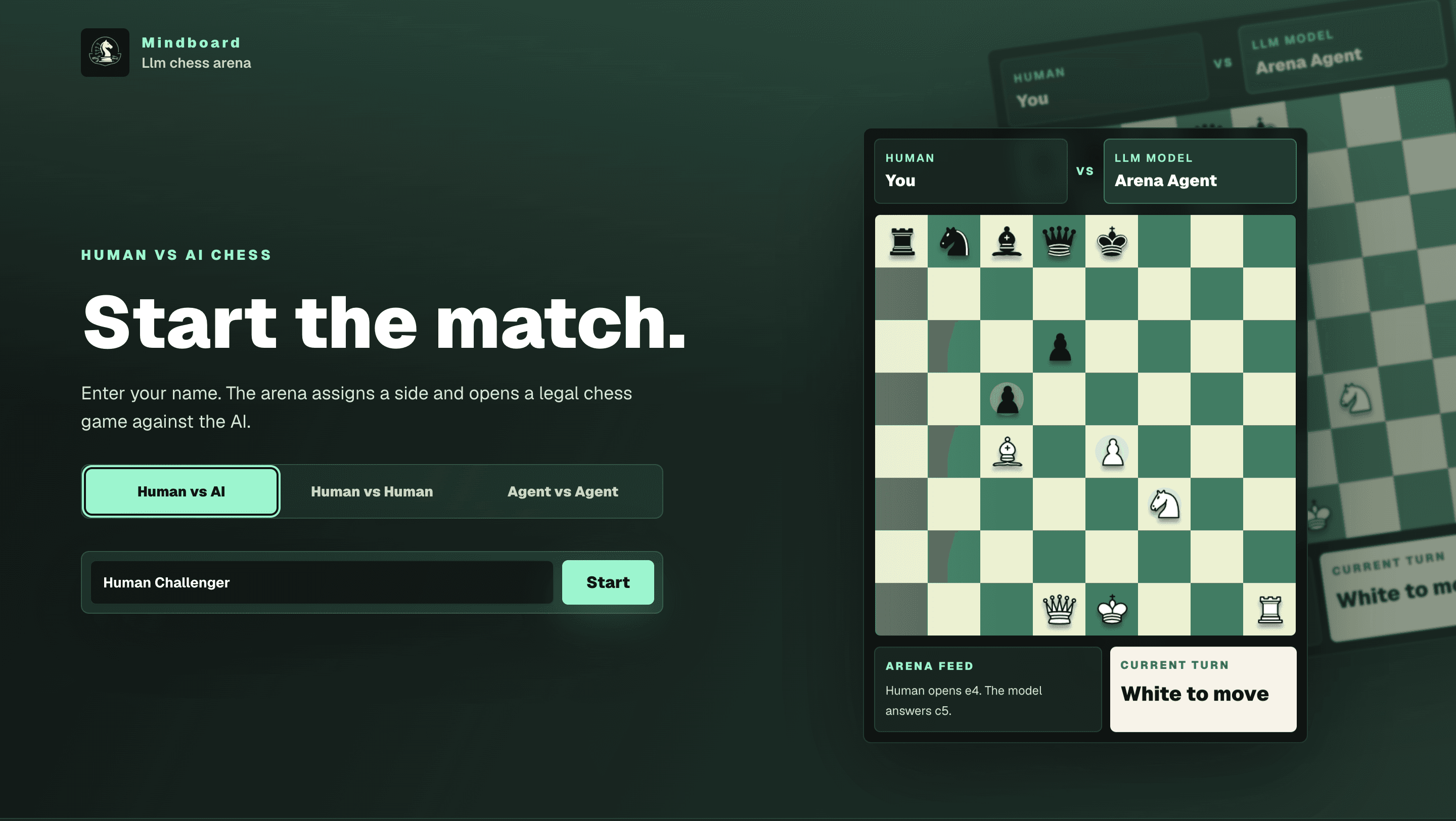
Stateful chess arena where language-model agents reason through the board instead of running engine lines — Human vs AI, Human vs Human, and Agent vs Agent modes with persisted games, move history, and match logs.
GadgetOS
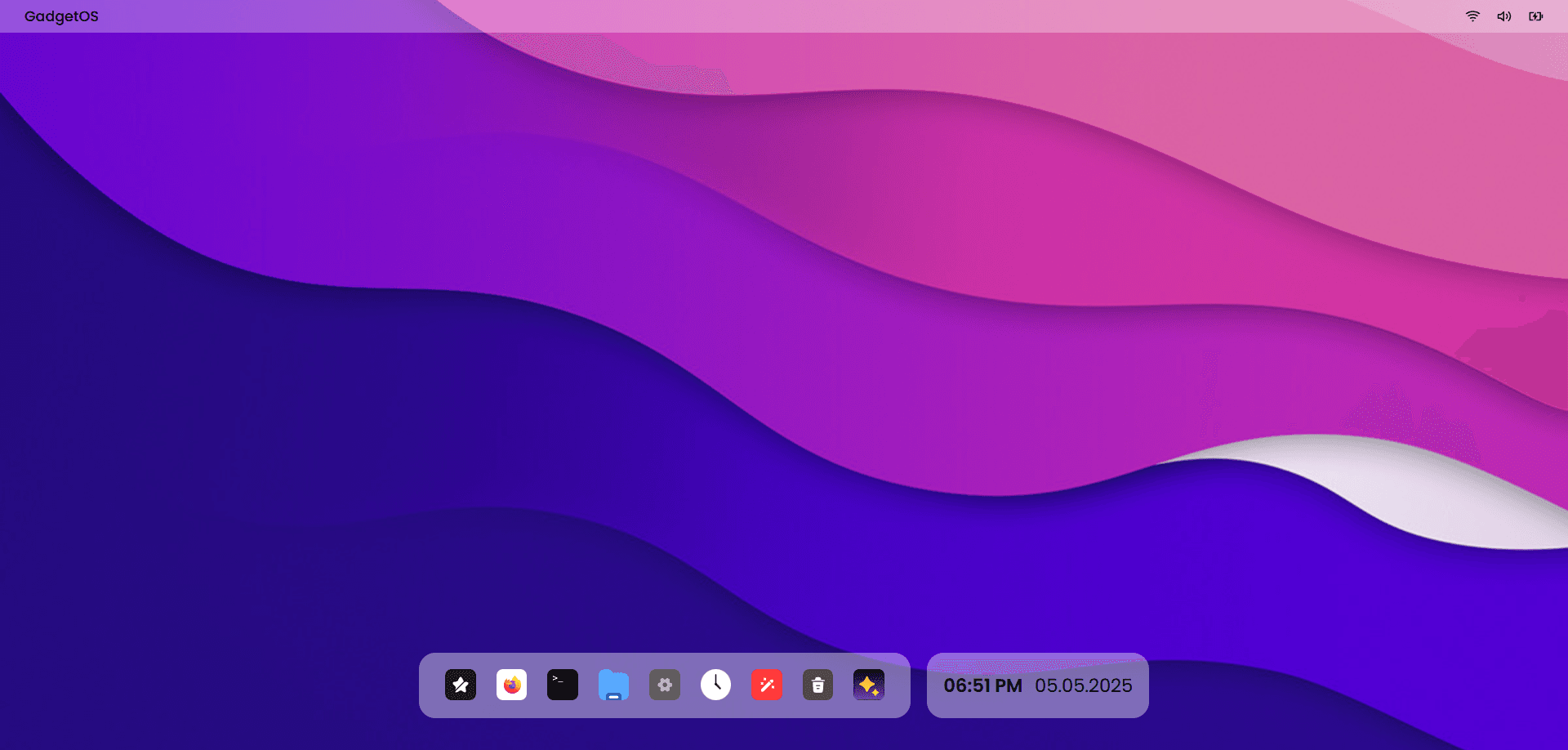
AI-powered web operating system with a macOS-inspired desktop — manage files by meaning, run natural language terminal commands via GPT-4.1, and build entirely in the browser.
Cooksy
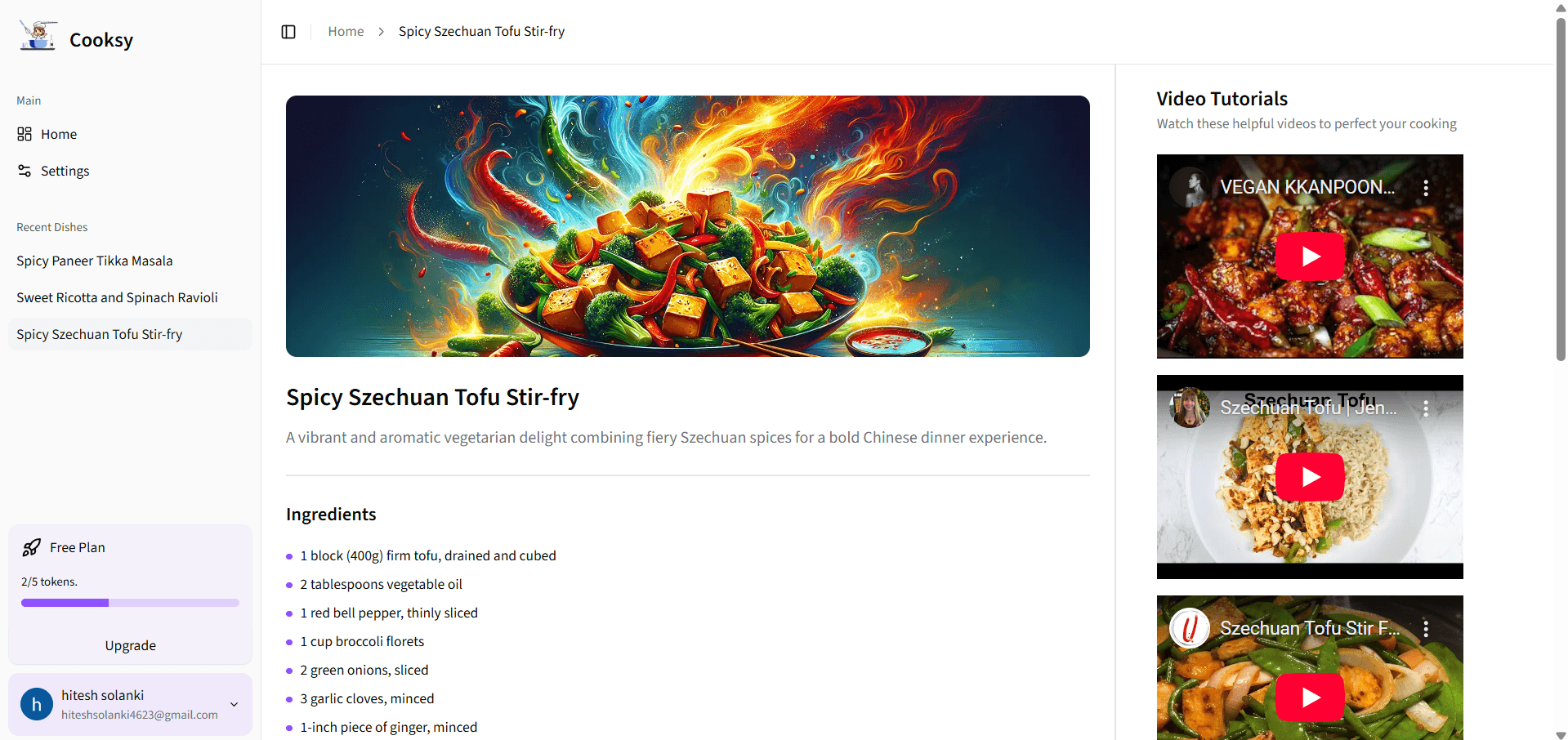
An AI-powered sous-chef that turns your pantry into mouthwatering recipes—complete with step-by-step instructions, on-brand dish imagery, and curated YouTube video tutorials.