LLM agents play real chess
MindBoard Arena
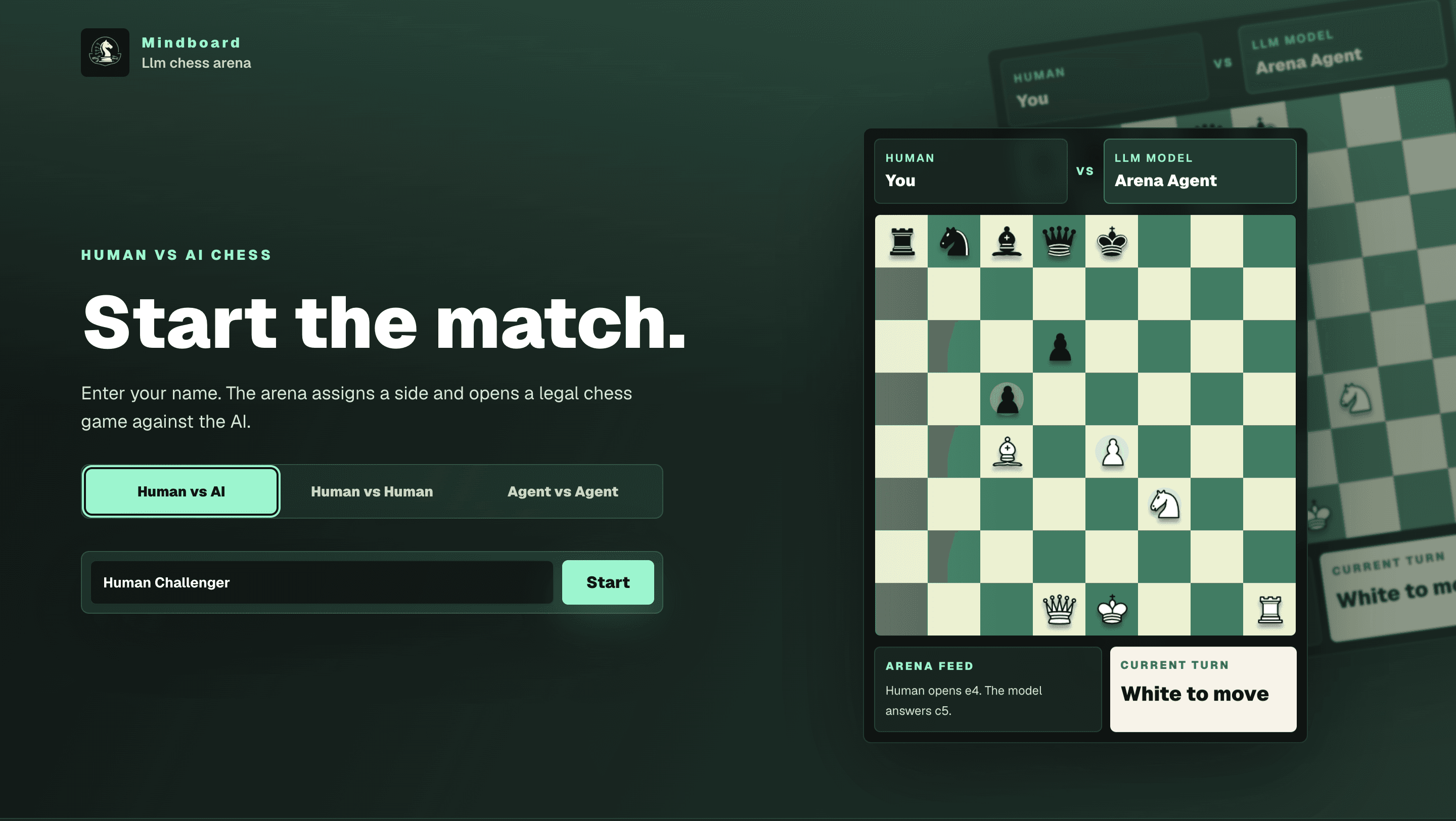
Stateful chess arena where language-model agents reason through the board instead of running engine lines — Human vs AI, Human vs Human, and Agent vs Agent modes with persisted games, move history, and match logs.
Documentation
MindBoard Arena
Beyond engine lines. Let agents think, choose, and play.
MindBoard Arena is a stateful chess arena built with Next.js. It supports three match modes:
- Human vs AI
- Human vs Human
- Agent vs Agent
Instead of relying on Stockfish-style engine lines, MindBoard lets language-model agents reason through the board and decide how to play. Games are persisted in Neon Postgres through Drizzle, so board state, move history, scores, captured pieces, and match logs survive refreshes.
Screenshots
Model Selection
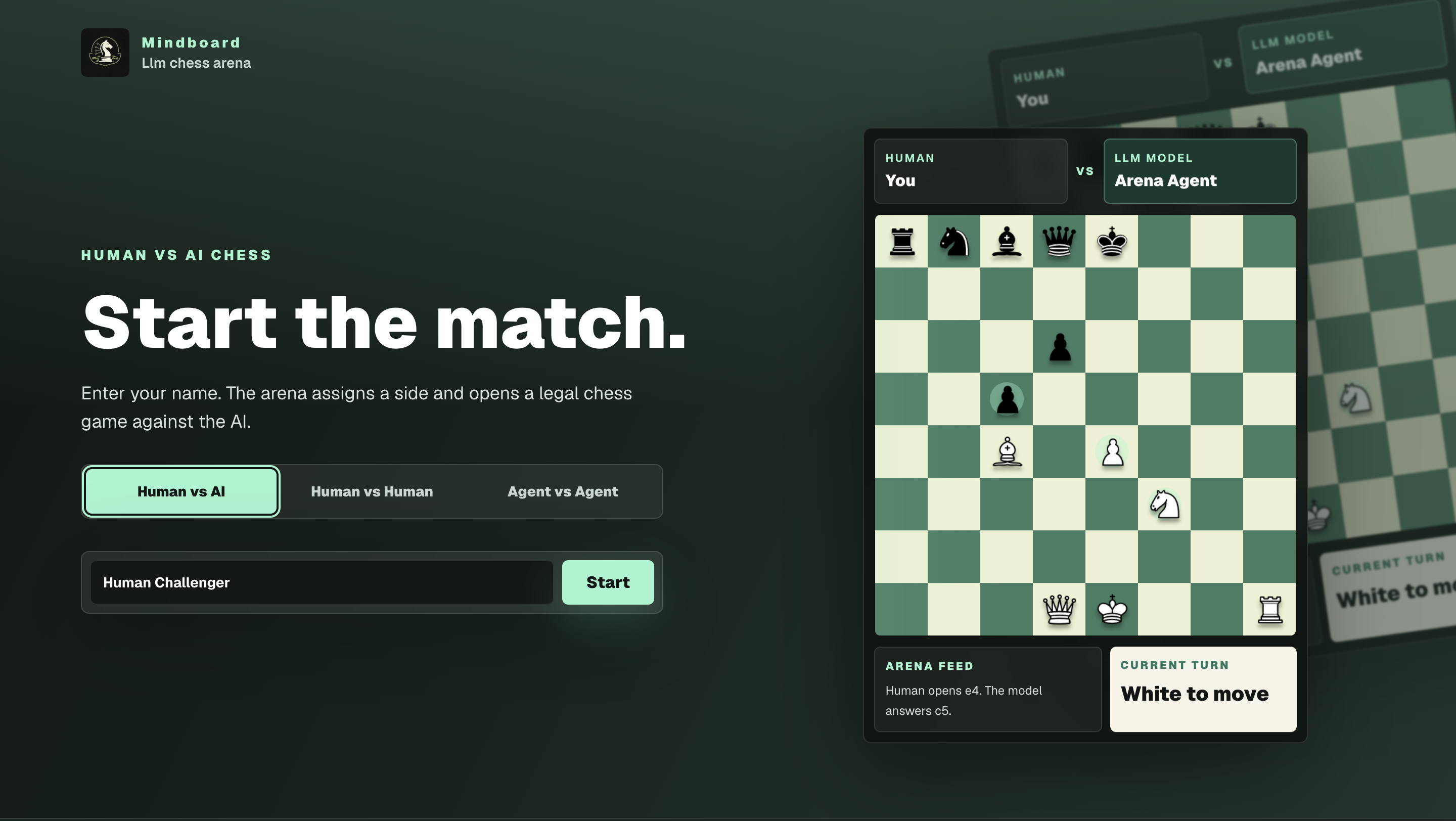
The landing page starts with a tabbed match selector. Human vs AI opens a provider picker, Claude prompts for a per-game API key when selected, and Qwen warns that Modal serverless responses can be slower.
Agent vs Agent
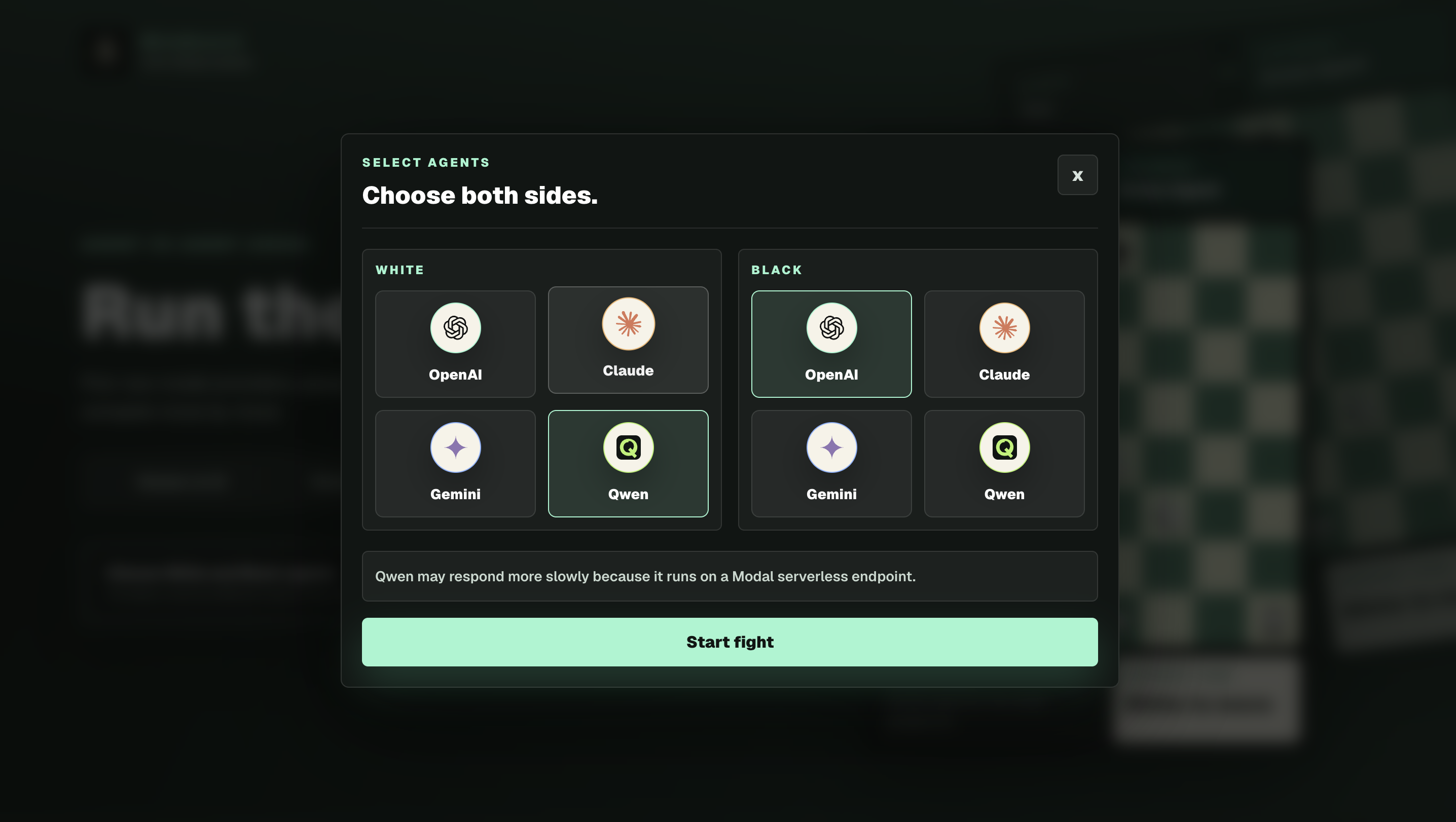
Agent vs Agent lets you assign separate providers to White and Black before the match starts.
Features
- Three playable modes from the landing page tabs.
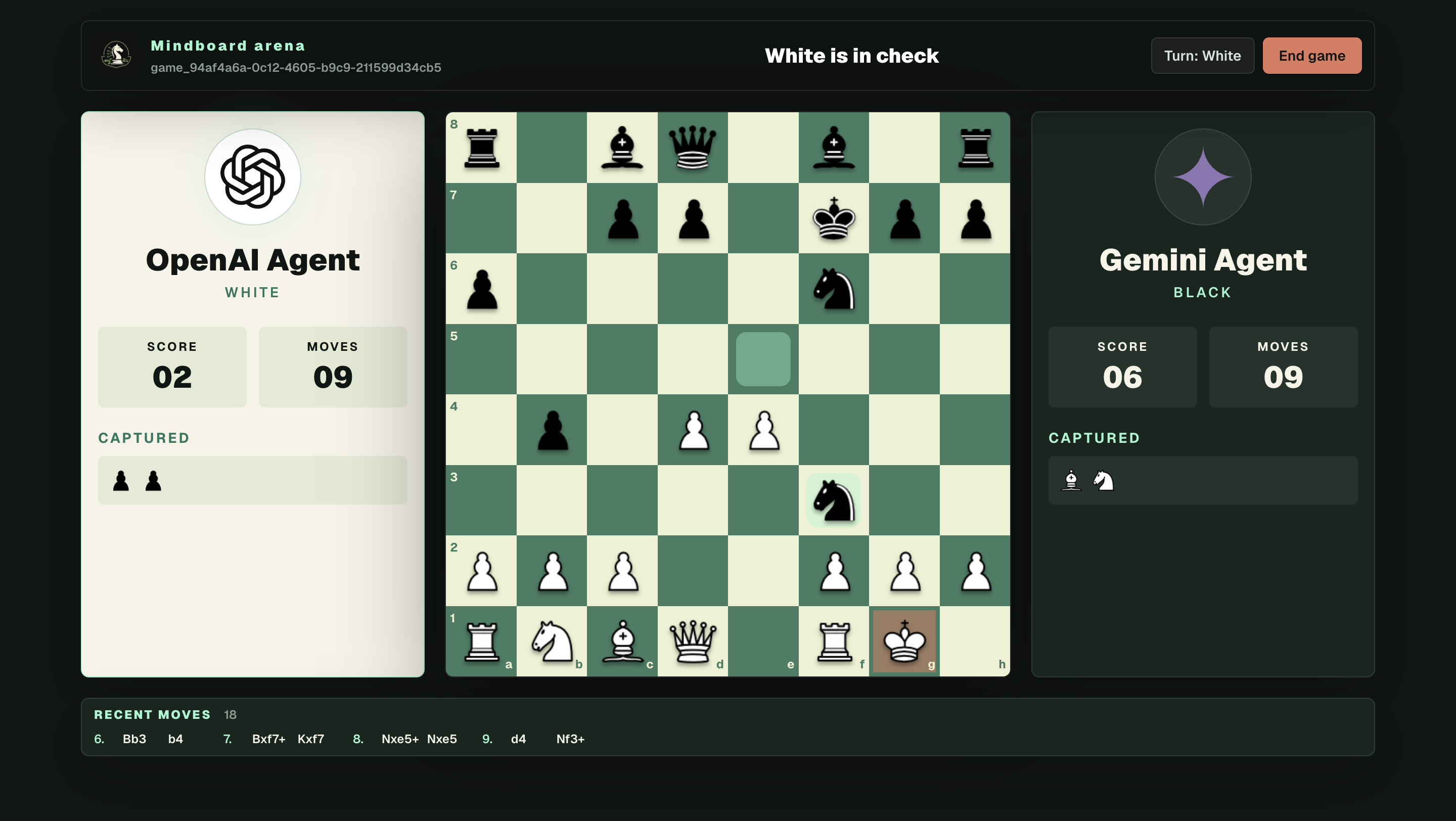
- Legal chess movement, check/checkmate/draw detection, captures, material score, and recent moves powered by
chess.js. - Stateful game pages at
/game/[id]. - Session cookie support through Next.js 16
proxy.ts. - Previous-game log on the home page with active, ended, win/loss, and draw status.
- Drizzle ORM schema and migrations for Neon Postgres.
- LangChain-based structured chess agents for OpenAI, Gemini, Claude, and Qwen.
- Agent vs Agent mode with separate White and Black providers.
- Claude key entry is user-provided and ephemeral: it is only kept in memory for the current game and is not saved to the database, URL, localStorage, or sessionStorage.
- Qwen support through a Modal serverless endpoint.
Tech Stack
- Next.js 16 App Router
- React 19
- TypeScript
- Tailwind CSS 4
- Drizzle ORM
- Neon Postgres
- LangChain
chess.js- Zod
Getting Started
Install dependencies:
npm install
Create your environment file:
cp .env.example .env
Add at least DATABASE_URL and whichever model provider credentials you want to use.
Push the database schema to Neon:
npm run db:push
Start the app:
npm run dev
Open http://localhost:3001.
Match Modes
Human vs AI
Enter a player name, choose an AI provider, and play against the selected model. The app randomly assigns sides.
Human vs Human
Enter names for White and Black and play a local saved match on the same board. Both players move manually on their turns.
Agent vs Agent
Choose different providers for White and Black and watch them play automatically. Claude still requires a user-provided API key if either side uses Claude.
Environment Variables
| Variable | Required | Description |
|---|---|---|
DATABASE_URL | Yes | Neon Postgres connection string used by Drizzle. |
OPENAI_API_KEY | Required for OpenAI | OpenAI API key for OpenAI agent moves. |
OPENAI_AGENT_MODEL | No | OpenAI model. Defaults to gpt-4o-mini. |
GOOGLE_API_KEY | Required for Gemini | Google API key for Gemini. |
GEMINI_API_KEY | Required for Gemini if GOOGLE_API_KEY is absent | Alternate Gemini API key variable. |
GEMINI_AGENT_MODEL | No | Gemini model. Defaults to gemini-2.5-flash. |
ANTHROPIC_API_KEY | No for app UI Claude games | Server-side Claude key fallback is not used for the UI flow; users enter Claude keys per game. |
CLAUDE_API_KEY | No for app UI Claude games | Alternate Claude env key; UI Claude games use ephemeral user input. |
CLAUDE_AGENT_MODEL | No | Claude model. Defaults to claude-sonnet-4-5-20250929. |
QWEN_AGENT_MODEL | No | Qwen model name. Defaults to Qwen/Qwen3.6-35B-A3B. |
MODAL_ENDPOINT_URL | Required for Qwen | Modal endpoint base URL, with or without /v1. |
MODAL_PROXY_TOKEN_ID | Required for Qwen | Modal proxy token id sent as Modal-Key. |
MODAL_PROXY_TOKEN_SECRET | Required for Qwen | Modal proxy token secret sent as Modal-Secret. |
MIND_BOARD_AGENT_MODEL | Optional Python helper | Model used by the optional Python CLI helper. |
Do not commit .env or any API keys.
Database
The Drizzle schema lives in:
src/db/schema.ts
Generated migrations live in:
drizzle/
Useful commands:
npm run db:generate
npm run db:push
Run npm run db:push after pulling schema changes or adding migrations.
Scripts
npm run dev          # Start Next.js on port 3001
npm run build        # Create a production build
npm run start        # Serve the production build on port 3001
npm run lint         # Run ESLint
npm run db:generate  # Generate Drizzle migrations
npm run db:push      # Push schema changes to the database
Project Structure
src/app/                         App Router pages and API routes
src/app/(marketing)/             Landing page, mode tabs, model picker, match log
src/app/api/games/[id]/          Game state and turn endpoints
src/app/game/                    Game route entrypoints and chess UI
src/db/                          Drizzle schema and Neon client
src/features/chess/agents/       LangChain chess agent, prompt, schemas
src/features/chess/game/         Board formatting, validation, persistence helpers
src/lib/                         Session helpers
drizzle/                         Generated database migrations
public/chess-pieces/             Chess piece images
public/llm-icons/                Provider icons
ai/                              Optional Python helper code
Notes
- The dev server normally runs on port
3001. - Qwen can be slower because it runs through a Modal serverless endpoint.
- Claude keys entered in the UI are intentionally not persisted. Refreshing a Claude game may ask for the key again.
- The app uses Next.js 16
proxy.ts; this replaces the oldermiddleware.tsconvention.
Production
Build and start:
npm run build
npm run start
Make sure production has DATABASE_URL and the required provider credentials for the modes you plan to use.
Keep exploring
Related work
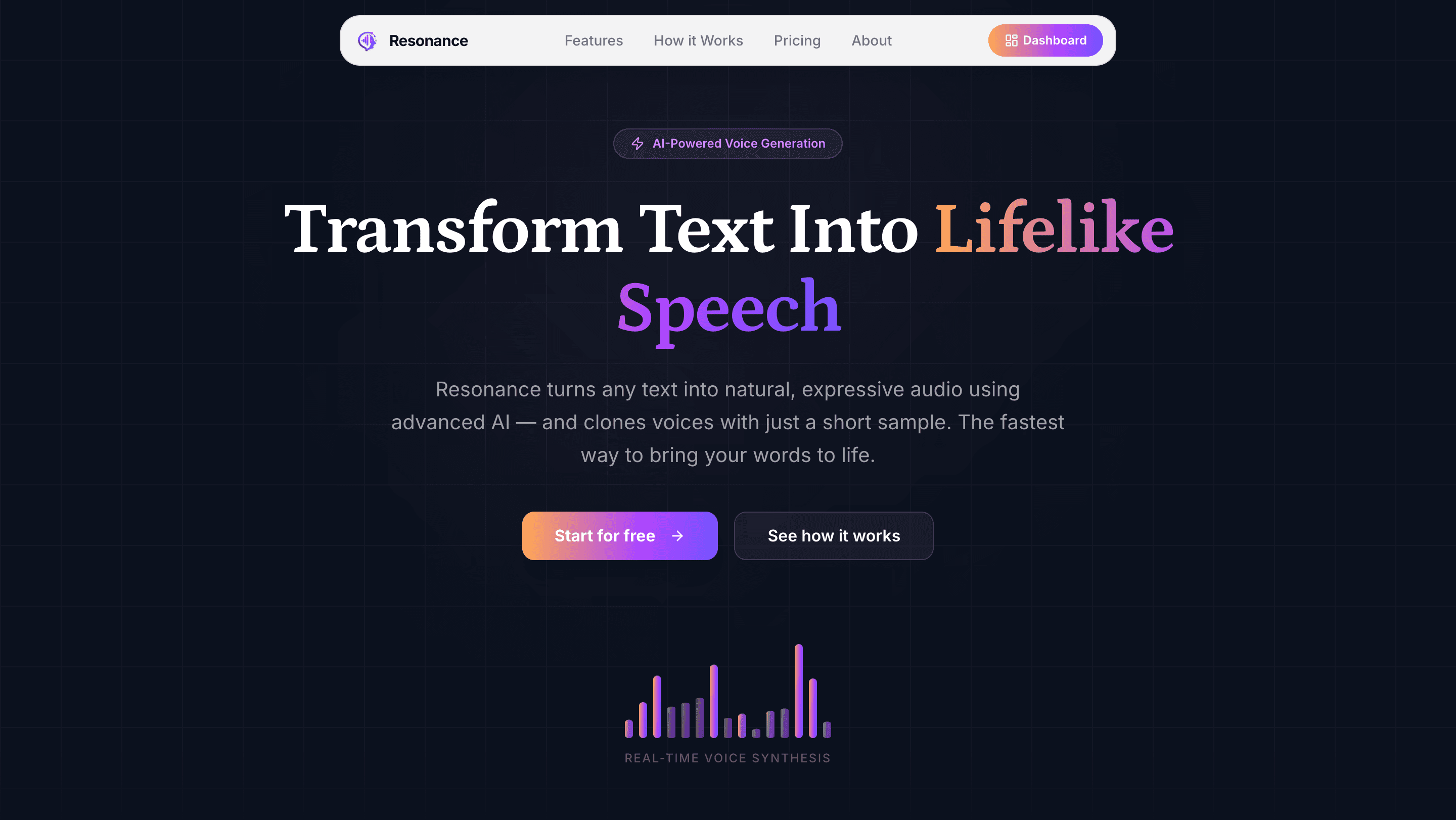
Resonance
AI-powered text-to-speech and voice cloning platform for organisations, with custom voice uploads, browser recording, usage-based billing, and a managed voice library.
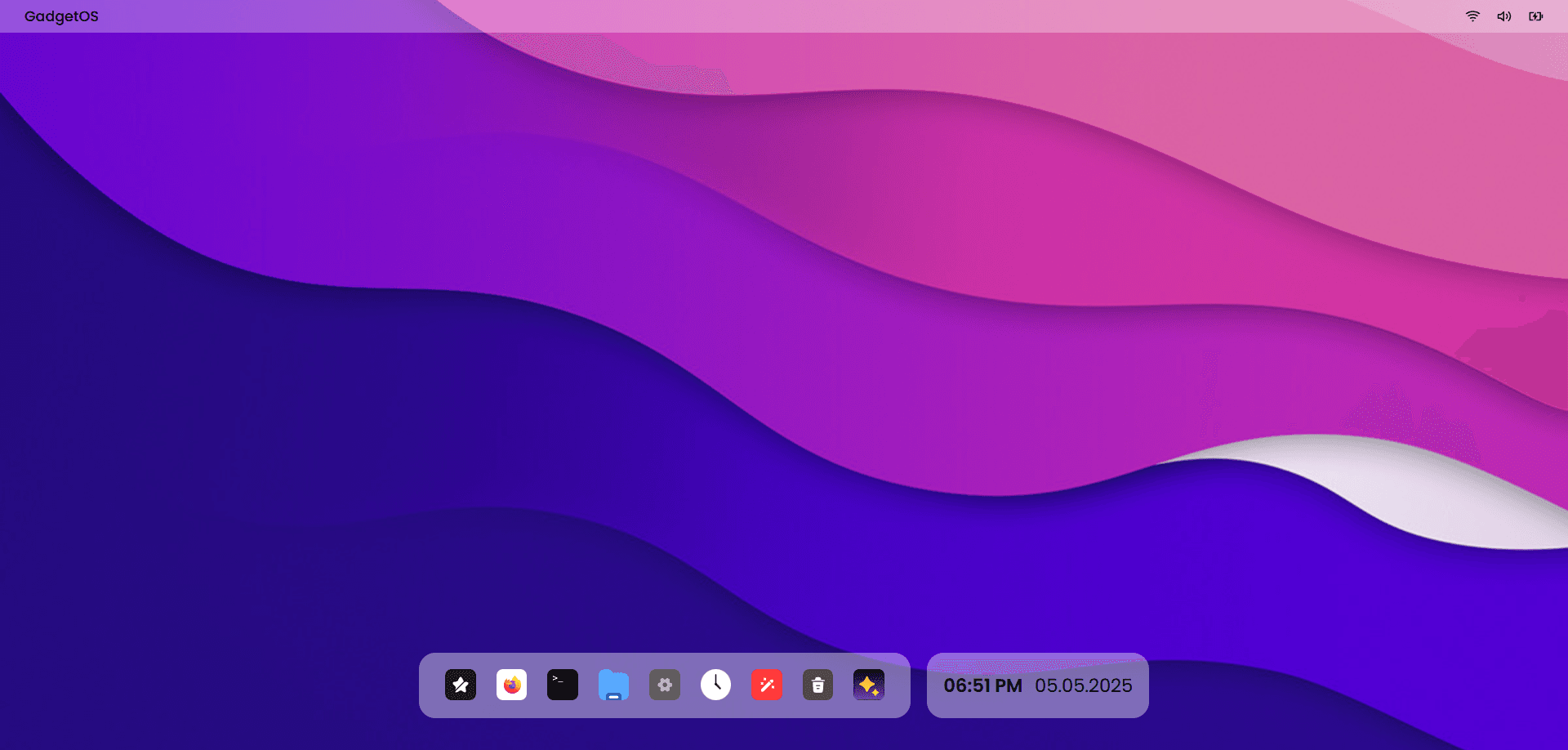
GadgetOS
AI-powered web operating system with a macOS-inspired desktop — manage files by meaning, run natural language terminal commands via GPT-4.1, and build entirely in the browser.
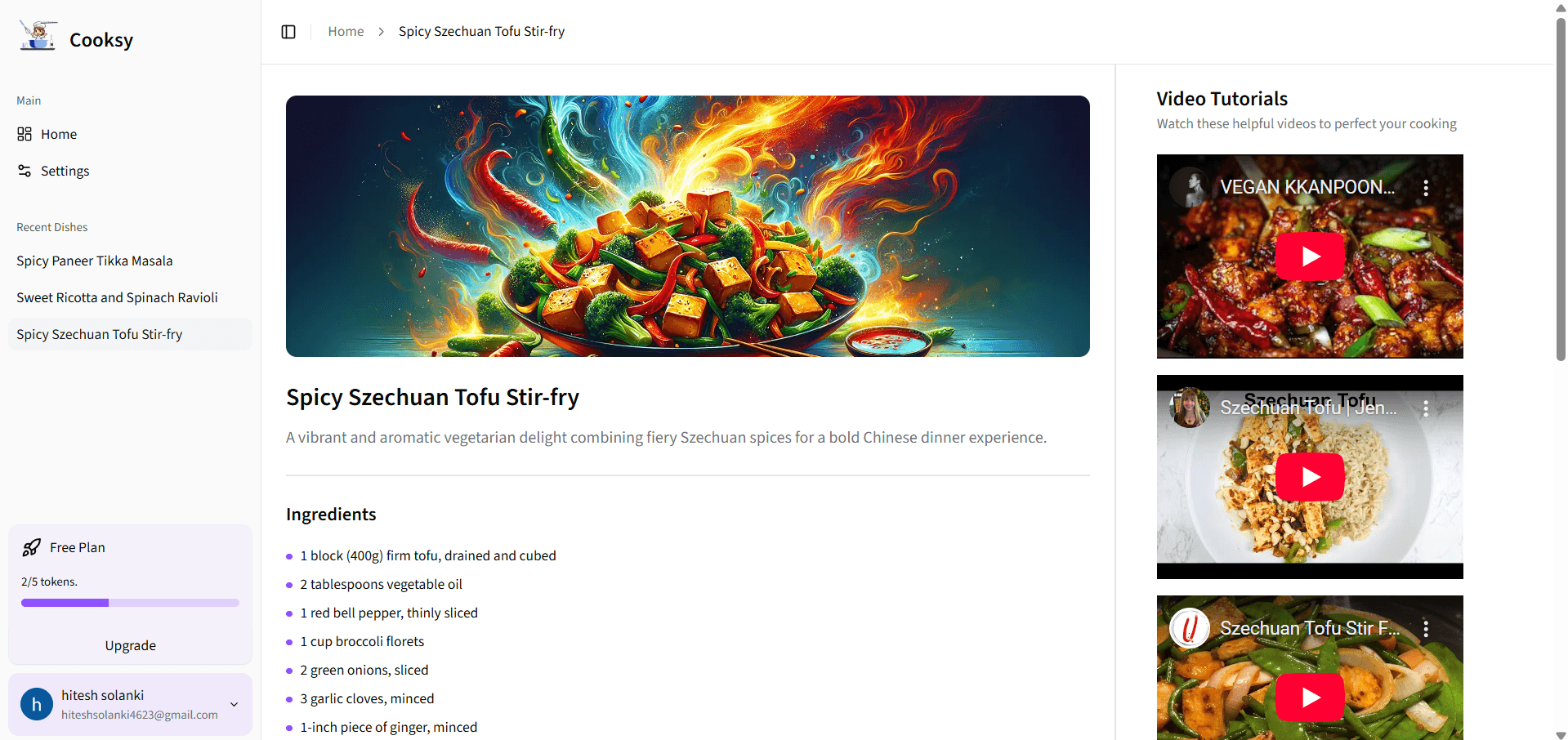
Cooksy
An AI-powered sous-chef that turns your pantry into mouthwatering recipes—complete with step-by-step instructions, on-brand dish imagery, and curated YouTube video tutorials.