Text-to-speech and voice cloning
Resonance
AI-powered text-to-speech and voice cloning platform for organisations, with custom voice uploads, browser recording, usage-based billing, and a managed voice library.
Documentation
Resonance
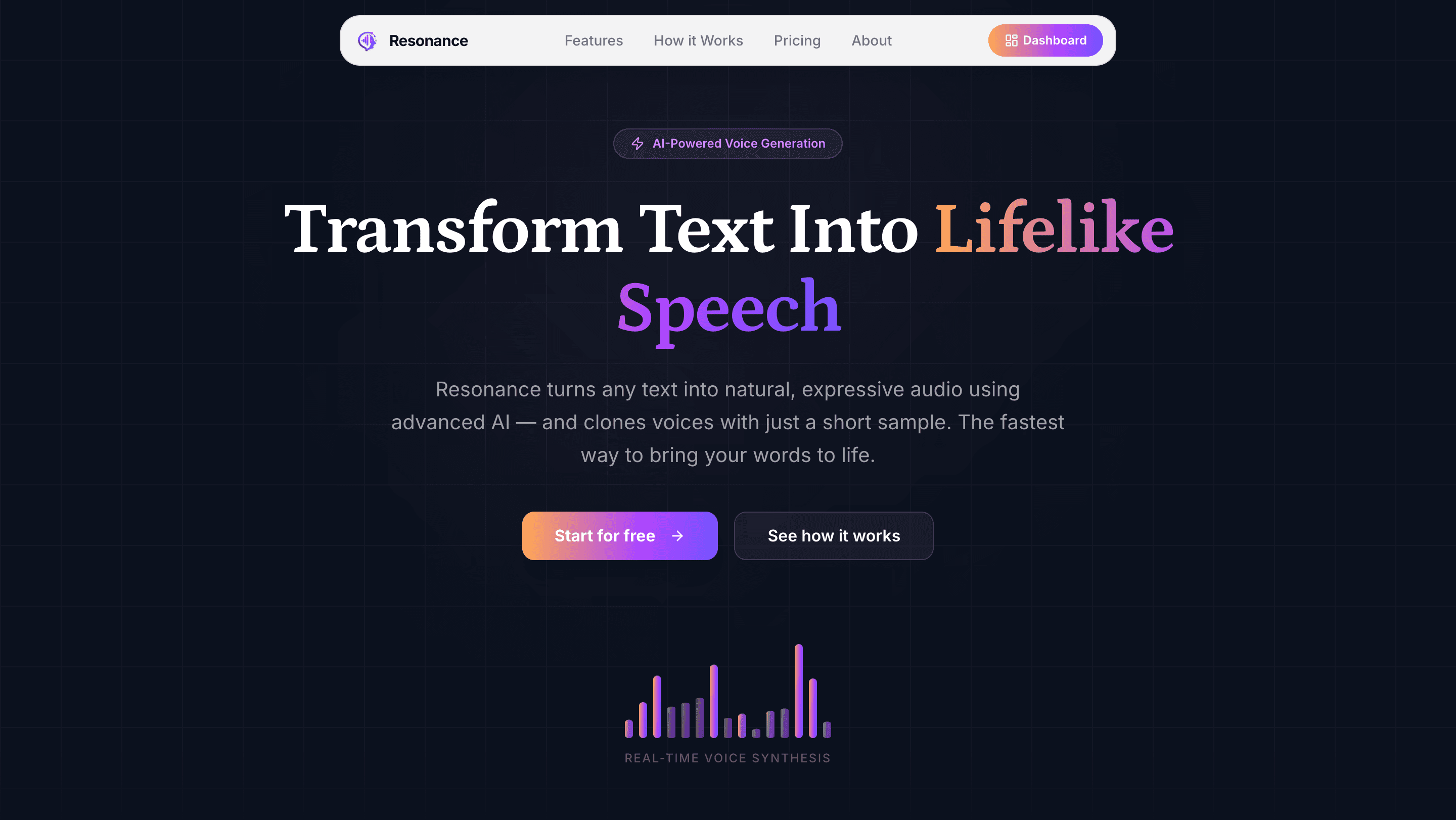
<p align="center"> <img src="images/home.png" alt="Resonance landing page" width="100%" /> </p>AI-powered text-to-speech and voice cloning platform built with Next.js, Chatterbox TTS, and Polar billing.
Resonance lets organisations convert text to lifelike speech using custom or built-in voices. Users can upload or record voice samples to clone their own voice, generate audio with fine-grained controls, browse and manage a voice library, and track usage costs — all behind a pay-as-you-go subscription.
<p align="center"> <img src="images/dashboard.png" alt="Dashboard" width="49%" /> <img src="images/text-to-speech.png" alt="Text-to-Speech studio" width="49%" /> </p> <p align="center"> <img src="images/text-to-speech-sample.png" alt="Generated audio player" width="100%" /> </p>Table of Contents
- Features
- Tech Stack
- Architecture Overview
- Getting Started
- Project Structure
- API Routes
- tRPC Routers
- Billing
- Error Monitoring
- Scripts
Features
Text-to-Speech Generation
- Convert up to 5,000 characters per generation
- Fine-tune output with controls: temperature, top-P, top-K, and repetition penalty
- Waveform audio player (WaveSurfer.js) with ±10s seek, download, and replay
- Full generation history in a sidebar panel
- Prompt suggestion chips to get started quickly
- Estimated cost badge (
$0.0003per character)
Voice Management
- Browse system voices (built-in) and team voices (custom per organisation)
- Upload an audio sample (any format, ≤ 20 MB, ≥ 10 s) to create a custom voice
- Record directly in the browser using the microphone with a live waveform
- Preview any voice before using it
- Delete custom voices with a confirmation dialog
- Debounced search across the full voice library
Billing & Usage
- Pay-as-you-go subscriptions via Polar at $0.30 / 1,000 characters
- Subscription-gated TTS generation and custom voice creation
- Live estimated cost meter in the sidebar footer
- One-click redirect to Polar hosted checkout or customer portal
Organisations & Auth
- Multi-tenant via Clerk organisations — every voice and generation is scoped to an org
- Organisation switcher in the sidebar
- Protected routes with Clerk middleware
Observability
- Sentry wired into every layer: tRPC middleware, server instrumentation hook, edge runtime, browser Session Replay, and a global React error boundary
- Structured
Sentry.loggercalls around the generation lifecycle
Tech Stack
| Layer | Technology |
|---|---|
| Framework | Next.js 16 (App Router, Turbopack) |
| Language | TypeScript 5 |
| Styling | Tailwind CSS v4, shadcn/ui, Base UI |
| API | tRPC v11 + TanStack Query v5 |
| Auth | Clerk (multi-tenant organisations) |
| Database | PostgreSQL via Prisma 7 + @prisma/adapter-pg |
| Storage | Cloudflare R2 (S3-compatible) |
| TTS Engine | Chatterbox TTS on Modal (GPU: A10G) |
| Billing | Polar (pay-as-you-go metered usage) |
| Monitoring | Sentry (server, edge, client, Session Replay) |
| Forms | TanStack Form v1 |
| URL State | nuqs |
| Audio | WaveSurfer.js, RecordRTC |
| Python Runtime | Modal + uv |
Architecture Overview
Browser
  │
  ├── Clerk (auth + org context)
  │
  ├── TanStack Query + tRPC client
  │     └── /api/trpc/[trpc]
  │              └── orgProcedure (Sentry middleware)
  │                    ├── voices router
  │                    ├── generations router ──► Chatterbox Modal API ──► R2
  │                    └── billing router ──► Polar SDK
  │
  ├── /api/audio/[generationId] ──► R2 presigned URL  (private, cached 1h)
  ├── /api/voices/[voiceId]     ──► R2 presigned URL  (system 24h / custom 1h)
  └── /api/voices/create        ──► music-metadata validation → R2 → Prisma

Polar
  ├── Subscription check on every generation + voice creation
  └── Fire-and-forget usage events (tts_generation, voice_creation)

Sentry
  ├── tRPC middleware (all procedures)
  ├── onRequestError (all server requests)
  ├── instrumentation-client (browser + Session Replay)
  └── global-error.tsx (unhandled React tree errors)
Getting Started
Prerequisites
- Node.js ≥ 20.9
- PostgreSQL database
- Clerk account
- Cloudflare R2 bucket
- Modal account (Chatterbox TTS)
- Polar account (billing)
- Sentry project (error monitoring)
Environment Variables
Copy .env.example to .env and fill in all values:
cp .env.example .env
| Variable | Description |
|---|---|
NEXT_PUBLIC_CLERK_PUBLISHABLE_KEY | Clerk publishable key |
CLERK_SECRET_KEY | Clerk secret key |
DATABASE_URL | PostgreSQL connection string (sslmode=verify-full recommended) |
APP_URL | Public base URL (e.g. http://localhost:3000) |
R2_ACCOUNT_ID | Cloudflare account ID |
R2_ACCESS_KEY_ID | R2 access key |
R2_SECRET_ACCESS_KEY | R2 secret key |
R2_BUCKET_NAME | R2 bucket name |
CHATTERBOX_API_URL | Deployed Modal endpoint URL |
CHATTERBOX_API_KEY | API key for the Chatterbox endpoint |
HUGGING_FACE_API_KEY | HuggingFace token for Modal model weight downloads |
POLAR_ACCESS_TOKEN | Polar API access token |
POLAR_SERVER | sandbox or production |
POLAR_PRODUCT_ID | Polar product UUID |
SENTRY_AUTH_TOKEN | Sentry auth token for source map uploads |
Database Setup
# Install dependencies
npm install

# Push the Prisma schema to your database
npx prisma db push

# (Optional) Seed built-in system voices into the DB and R2
npx tsx scripts/seed-system-voices.ts
Chatterbox TTS (Modal)
The TTS engine runs as a serverless GPU function on Modal. Create the required Modal secrets first:
# R2 credentials for the GPU container to read voice samples
modal secret create cloudflare-r2 \
  AWS_ACCESS_KEY_ID=<r2-access-key-id> \
  AWS_SECRET_ACCESS_KEY=<r2-secret-access-key> \
  R2_BUCKET_NAME=<bucket-name> \
  R2_ACCOUNT_ID=<account-id>

# HuggingFace token for model weight downloads
modal secret create hf-token HF_TOKEN=<your-huggingface-token>

# API key that guards the /generate endpoint
modal secret create chatterbox-api-key CHATTERBOX_API_KEY=<your-api-key>
Deploy:
modal deploy chatterbox_tts.py
Copy the deployment URL to CHATTERBOX_API_URL in your .env, then regenerate the TypeScript types:
npm run sync-api
Running Locally
npm run dev
# App runs at http://localhost:3001
Project Structure
resonance/
├── chatterbox_tts.py              # Modal GPU app — Chatterbox TTS server
├── prisma/
│   └── schema.prisma              # Voice + Generation Prisma models
├── scripts/
│   ├── seed-system-voices.ts      # Seed built-in voices to DB + R2
│   ├── sync-api.ts                # Generate types from live OpenAPI spec
│   └── verify-prisma.ts
├── src/
│   ├── app/                       # Next.js App Router
│   │   ├── (auth)/                # Sign-in / sign-up (Clerk)
│   │   ├── (setup)/               # Org selection
│   │   ├── api/
│   │   │   ├── audio/[generationId]/  # Stream generation audio
│   │   │   ├── trpc/[trpc]/           # tRPC handler
│   │   │   └── voices/                # Voice upload + fetch
│   │   └── app/                   # Authenticated app shell
│   │       ├── text-to-speech/    # TTS main page + detail view
│   │       └── voices/            # Voice library page
│   ├── components/
│   │   ├── ui/                    # shadcn/Base-UI component library (58 components)
│   │   └── voice-avatar/          # Deterministic avatar from voice ID
│   ├── features/
│   │   ├── billing/               # UsageContainer, useCheckout hook
│   │   ├── dashboard/             # Sidebar, header, quick-action cards
│   │   ├── text-to-speech/        # TTS form, waveform player, history drawer
│   │   └── voices/                # Voice cards, create dialog, recorder
│   ├── hooks/                     # Shared hooks (audio playback, mobile detection)
│   ├── lib/                       # Clients: Polar, R2, Prisma, Chatterbox, env
│   ├── trpc/                      # tRPC init, routers, server/client wiring
│   └── types/
│       └── chatterbox-api.d.ts    # Auto-generated from live OpenAPI spec
├── sentry.server.config.ts
├── sentry.edge.config.ts
├── pyproject.toml                 # Python env (uv)
└── requirements.txt
API Routes
| Method | Route | Auth | Description |
|---|---|---|---|
GET | /api/audio/[generationId] | Clerk session | Stream generation WAV from R2 (private, 1h cache) |
GET | /api/voices/[voiceId] | Clerk session | Stream voice sample from R2 (system: 24h / custom: 1h) |
POST | /api/voices/create | Clerk session + active subscription | Validate audio (≥10s, ≤20MB) → R2 upload → Prisma record |
tRPC Routers
All procedures run under orgProcedure — requires an authenticated Clerk session with an active organisation.
voices
| Procedure | Type | Description |
|---|---|---|
getAll | query | List system + custom voices; optional query search param |
delete | mutation | Delete a custom voice and its R2 object |
generations
| Procedure | Type | Description |
|---|---|---|
getAll | query | List all org generations, newest first |
getById | query | Fetch a single generation with /api/audio/ URL |
create | mutation | Check subscription → call Chatterbox → upload WAV to R2 → ingest tts_generation event |
billing
| Procedure | Type | Description |
|---|---|---|
getStatus | query | Active subscription flag + estimated cost from Polar meters |
createCheckout | mutation | Create Polar hosted checkout URL |
createPortalSession | mutation | Create Polar customer portal URL |
Billing
Resonance uses Polar for pay-as-you-go metered billing.
Subscription gate — generations.create and POST /api/voices/create both check Polar for an active subscription before proceeding. Unsubscribed users receive a SUBSCRIPTION_REQUIRED response which surfaces as an in-app toast with a Subscribe CTA.
Metering — After each successful action, a usage event is ingested to Polar asynchronously (fire-and-forget, never blocks the user):
tts_generation— includescharacterscountvoice_creation— records each new custom voice
Sidebar widget — UsageContainer shows:
- No subscription: "Upgrade" button → Polar hosted checkout
- Active subscription: estimated cost this period + "Manage Subscription" → customer portal
Set POLAR_SERVER=sandbox to use Polar's test environment with test card numbers.
Error Monitoring
Sentry is integrated at every layer of the stack:
| Layer | Integration |
|---|---|
| tRPC procedures | Sentry.trpcMiddleware on baseProcedure (all routers) |
| Server requests | onRequestError = Sentry.captureRequestError in instrumentation.ts |
| Edge runtime | sentry.edge.config.ts |
| Browser | instrumentation-client.ts + Sentry.replayIntegration() |
| Unhandled errors | global-error.tsx + captureException |
| Generation lifecycle | Sentry.logger.info/error around start, success, and failure |
tracesSampleRate is 1 in development and 0.1 in production to control quota usage. Source maps are uploaded automatically during next build via SENTRY_AUTH_TOKEN.
Scripts
| Command | Description |
|---|---|
npm run dev | Start dev server at http://localhost:3001 |
npm run build | Production build (uploads source maps to Sentry) |
npm run lint | ESLint check |
npm run type-check | TypeScript strict check |
npm run sync-api | Regenerate src/types/chatterbox-api.d.ts from live Modal endpoint |
modal deploy chatterbox_tts.py | Deploy Chatterbox TTS to Modal |
modal run chatterbox_tts.py --prompt "..." | Test TTS locally via Modal |
npx tsx scripts/seed-system-voices.ts | Seed system voices into DB + R2 |
Keep exploring
Related work
Veyra
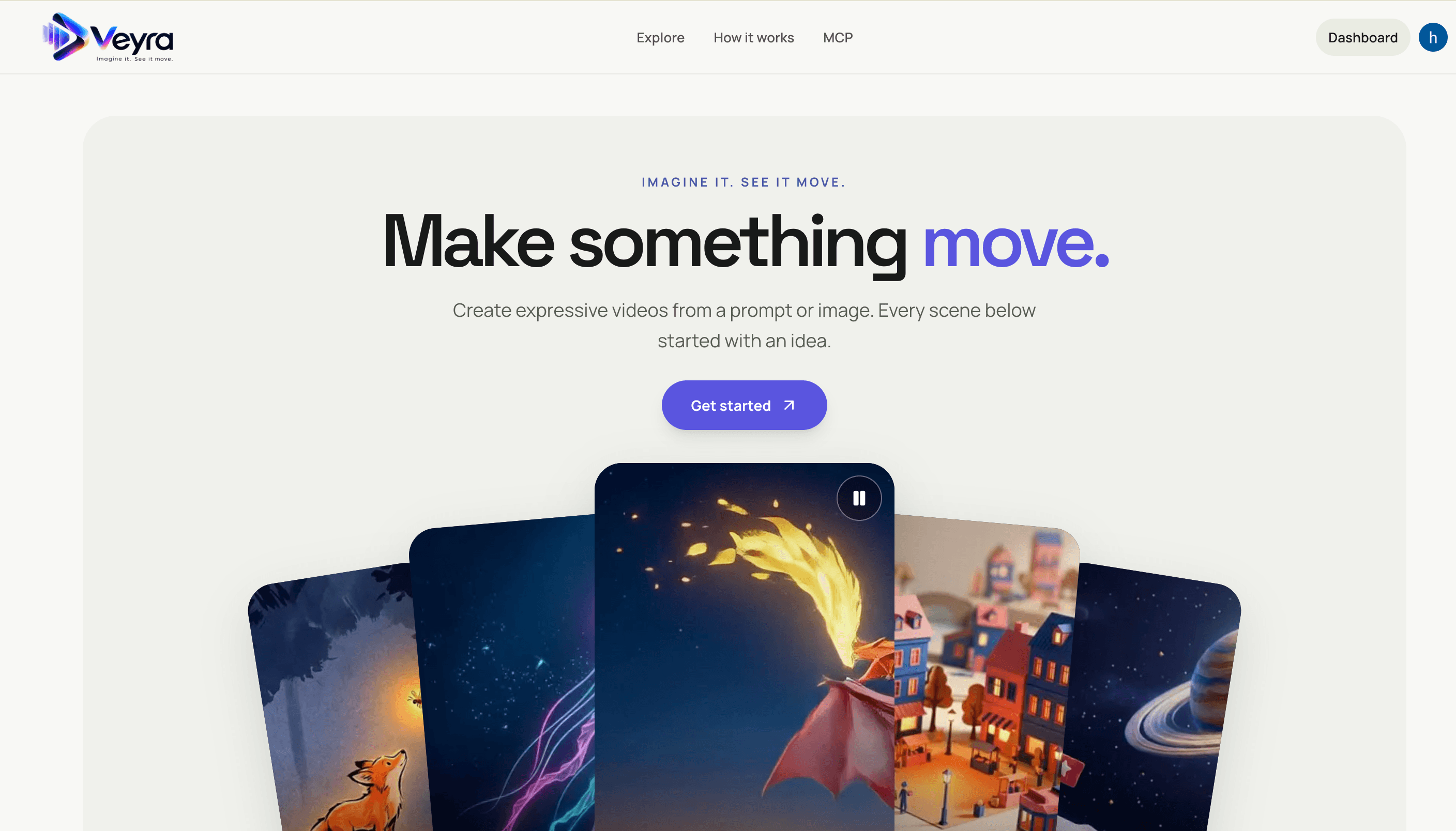
Create videos from text prompts or images with a Next.js frontend and FastAPI service. Veyra dispatches generation jobs to on-demand Modal GPU workers, stores private results in S3, and offers a hosted MCP server for agent integrations.
Dioramic
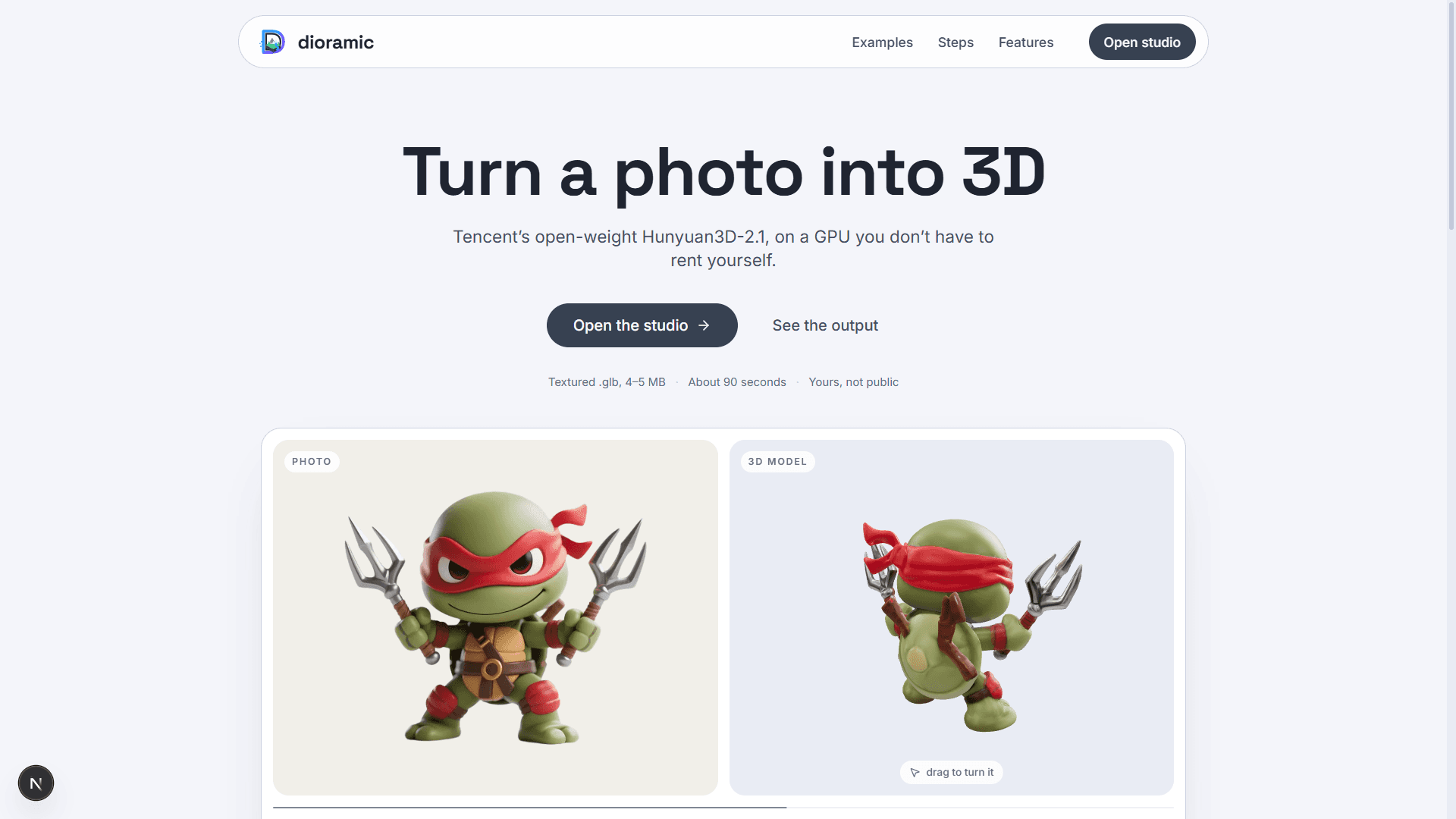
Photo-to-3D web app — upload a picture and a rented GPU turns it into a textured mesh, private to your account. Runs open-source models (TripoSR, Hunyuan3D-2.1, GroundingDINO) on Modal, with photos and meshes in Vercel Blob and every run tracked in Neon Postgres.
Relivo MCP Server
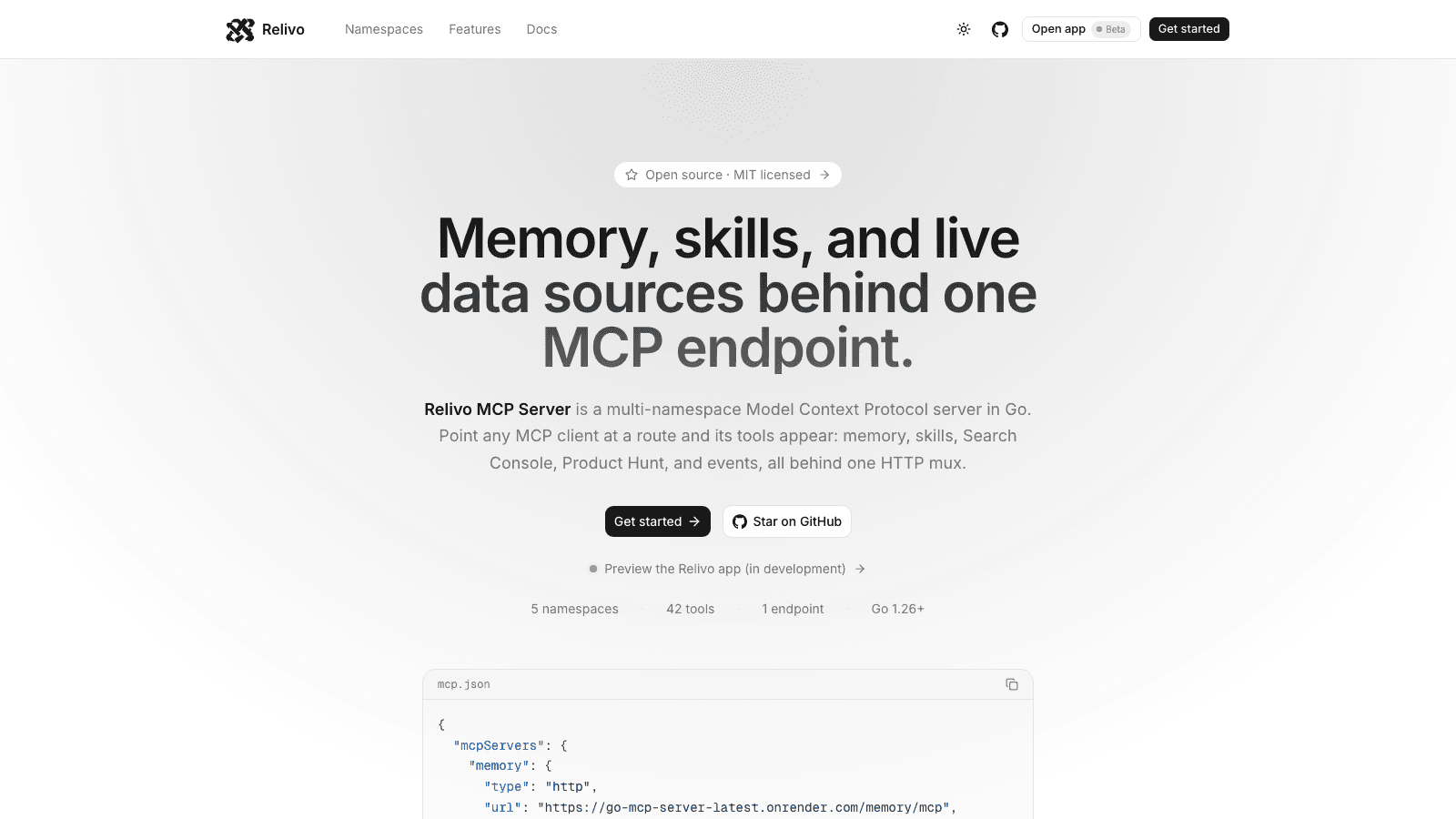
Multi-namespace Model Context Protocol server in Go — memory, skills, events, Search Console, and Product Hunt tools mounted on one HTTP mux over Streamable HTTP. Namespaces self-register at startup, and every route is admitted by its own auth: API keys for MCP clients, Clerk for the dashboard.