AI video generation platform
Veyra
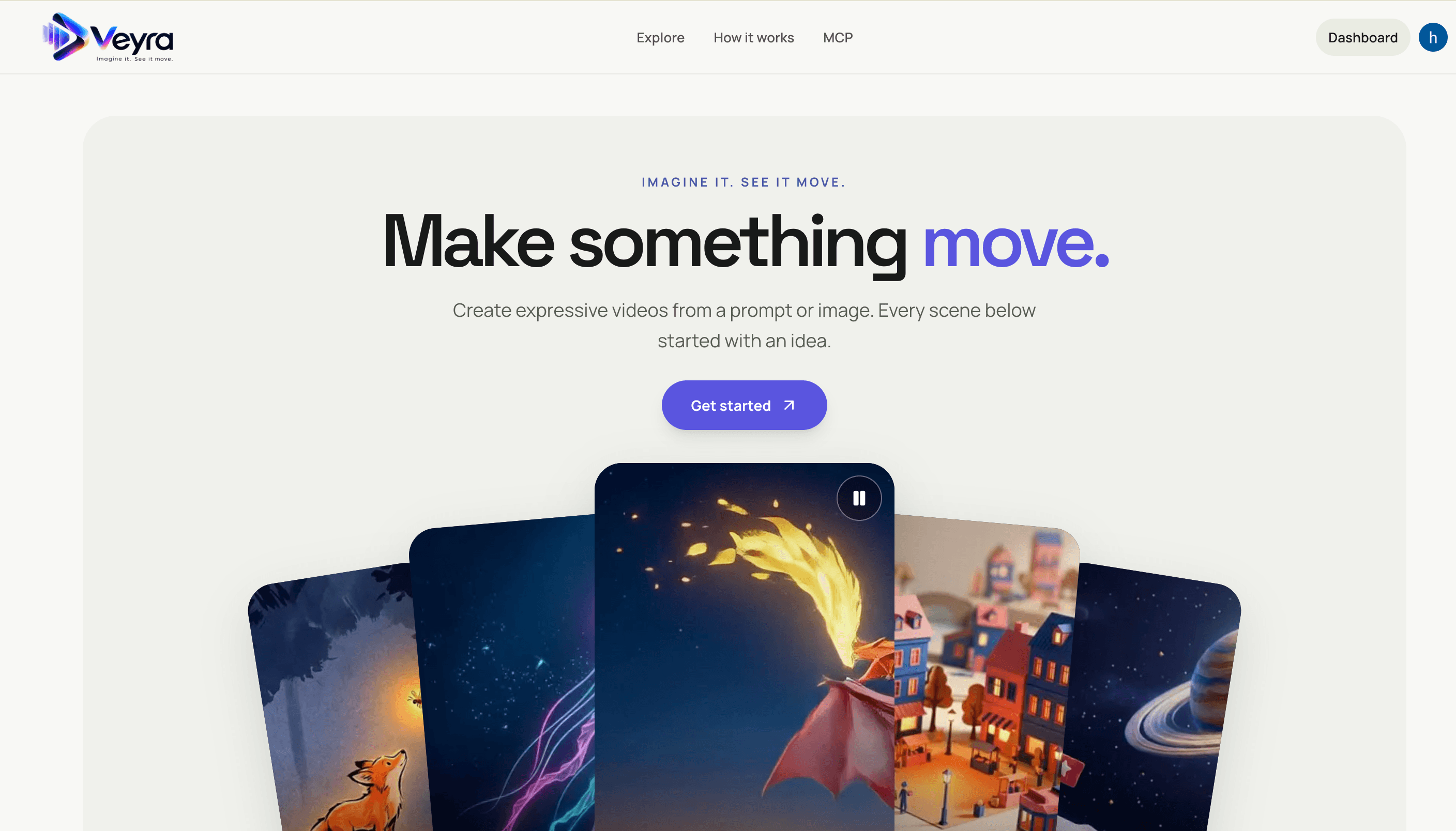
Create videos from text prompts or images with a Next.js frontend and FastAPI service. Veyra dispatches generation jobs to on-demand Modal GPU workers, stores private results in S3, and offers a hosted MCP server for agent integrations.
Documentation
Video generation API with on-demand Modal workers
The FastAPI service accepts a video request, records a private job in PostgreSQL, and dispatches it to one of four already deployed Modal GPU workers. The API can run on your own server; the main API does not need a Modal deployment. Workers scale to zero when idle. Input images and output MP4s stay in a private S3 bucket.
Interface preview
The Veyra frontend lets users explore example clips, create videos from text or images, and connect an agent through the hosted MCP server. Select a screenshot to view it at full size.

| Explore example videos | Connect an agent |
|---|---|
 |  |
| Create a video | Review a completed video |
|---|---|
 |  |
Project layout
| Path | Purpose |
|---|---|
src/ | FastAPI service, generation, creator verification, storage, billing, and MCP implementation |
frontend/ | Next.js website and its static assets |
images/ | Screenshots used in this README |
docs/ | API, authentication, and integration guides |
scripts/ | One-off generation and verification utilities |
tests/ | Python API and MCP tests |
reports/ | Generation records and cost reports |
vendor/ | Lockfile required by the LTX Modal deployment |
.agent/skills/ | Agent prompting and video generation instructions |
outputs/ | Local generated media; ignored by Git |
modal_app.py and mcp_server.py stay at the repository root as the LTX deployment and MCP client entry points. src/verification_worker.py is a separate Modal deployment for creator video reviews. The frontend generates its downloadable MCP bundle from the project sources when it starts or builds.
Available models
GET /v1/models returns the configured settings. The LTX landscape settings follow the existing API; successful jobs have covered 5-second T2V, 10-second I2V, and 20-second T2V. The other three landscape profiles match successful jobs observed in the shared database on 13 October 2026. The portrait workers were redeployed and each model produced a 5-second portrait clip with the configured dimensions on 14 October 2026; see the verification report.
model_id | Modal app | Modes | Seconds | Resolution | Default parameters |
|---|---|---|---|---|---|
ltx-2.3-distilled | video-pipeline-ltx-23 | t2v, i2v | 5, 10, 20 | 512p, 512p-portrait, 720p, 720p-portrait | {} |
wan-2.2 | video-pipeline-wan-22 | t2v | 5 | 720p, 720p-portrait | {"inference_steps":10,"guidance_scale":5.0} |
hunyuanvideo-1.5 | video-pipeline-hunyuanvideo-15 | t2v | 5 | 480p, 480p-portrait | {"inference_steps":10,"guidance_scale":6.0} |
cogvideox-1.5 | video-pipeline-cogvideox-15 | t2v | 5 | 480p, 480p-portrait | {"inference_steps":10,"guidance_scale":6.0} |
For the three Diffusers model workers, this API accepts inference_steps as an integer from 1 to 100 and guidance_scale from 0 to 20. The defaults are the values used by the successful jobs; other parameter values have not been verified in a live render. LTX does not accept either parameter through this API. For text to video, the base resolution is landscape and -portrait selects portrait. LTX image-to-video follows the conditioning image's aspect at the base resolution's pixel class (896×512 landscape, 512×896 portrait, 640×640 near-square at 512p). model_id defaults to ltx-2.3-distilled for existing callers. duration_seconds defaults to 5; omitted resolution uses the selected model's landscape preset. The seed is an optional integer from 0 to 4294967295; one is selected when omitted. The prompt must contain 1–2000 nonblank characters.
The model app names and accepted settings live in src/config.py. The API calls each deployed app's VideoWorker.generate(job_id) through the Modal SDK. It stores model_id and normalized parameters in video_jobs so the worker reads the same request. Startup adds these columns to an older database if needed; existing jobs default to LTX.
Run the API outside Modal
Use Python 3.12 or 3.13. Configure .env privately using .env.example as a starting point. The API host needs PostgreSQL and S3 credentials, CLERK_OAUTH_ISSUER and CLERK_WEB_ORIGIN for the web dashboard, and a Modal token with permission to call the four deployed worker apps. Set API_TOKENS_JSON for MCP clients or the Clerk OAuth settings for OAuth integrations. Modal SDK credentials can come from an active local modal setup profile or the MODAL_TOKEN_ID and MODAL_TOKEN_SECRET environment variables on a server. Do not expose these credentials to API clients.
To upload every entry from the root .env to this repository's GitHub Actions secrets, run scripts/push_backend_secrets.sh after gh auth login. Use --repo OWNER/REPO or --env-file PATH to override the defaults. GitHub Actions secrets are available to workflows only when referenced explicitly; uploading them does not configure the API host or Modal workers.
uv sync --extra test --extra mcp
$env:MODAL_TOKEN_ID = "<server-side Modal token id>"
$env:MODAL_TOKEN_SECRET = "<server-side Modal token secret>"
uv run uvicorn src.api:api --env-file .env --host 127.0.0.1 --port 8000
GET /health checks the API process only. It does not start a GPU worker. On first startup, the API creates or migrates the two database tables. Keep the S3 bucket private. The Modal workers must use the same database and bucket settings as this API. The old modal deploy modal_app.py path deploys an LTX worker and a web endpoint together; it is not needed for this multi-model API and is not part of these startup steps.
Request a video
For videos longer than one clip, open /app/concepts. The concept chat uses the Modal GLM-5.3-Flash endpoint to create an editable scene plan of up to 60 seconds; approval starts Gemini image creation and LTX clip jobs, then FFmpeg assembles the final MP4. Set MODAL_PROXY_TOKEN_ID and MODAL_PROXY_TOKEN_SECRET on the API host for concept chat, plus GEMINI_API_KEY for scene images and FFmpeg for assembly. CONCEPT_TEXT_PROVIDER=gemini or openai selects an alternative text provider. Keep all provider credentials on the API host. See the concept video implementation and delegation plan for API routes, pricing behavior, and parallel verification work.
Every /v1 route needs Authorization: Bearer <token>. The API accepts a configured static token, a verified Clerk session token from the /app dashboard, or a verified Clerk OAuth access token. Authentication setup explains these flows. GET /v1/models lists valid models. A text-to-video request starts a billable GPU job:
POST /v1/videos
Authorization: Bearer <token>
Idempotency-Key: lake-wan-001
Content-Type: application/json

{"model_id":"wan-2.2","mode":"t2v","prompt":"A slow camera move over a lake at sunrise as mist drifts across the water.","duration_seconds":5,"resolution":"720p","seed":42,"parameters":{"inference_steps":10,"guidance_scale":5.0}}
For LTX, omit model_id and parameters if the defaults are suitable. To animate an image with LTX, first call POST /v1/assets with {"content_type":"image/png"} (or image/jpeg or image/webp). POST the image directly to the returned S3 upload.url as multipart form data with all returned upload.fields and a file field. Then request {"model_id":"ltx-2.3-distilled","mode":"i2v","prompt":"The camera moves toward the lake as reeds sway.","input_asset_id":"asset_...","duration_seconds":10,"resolution":"512p"}. The image must be at most 10 MB, at least 256×256, and at most 16 million pixels.
Submission returns HTTP 202 with job_id, model_id, status: queued, and status_url. Poll GET /v1/videos/{job_id} every few seconds until succeeded, failed, or cancelled. A successful status includes the stable video_key, a private S3 video_url signed for one hour, file metadata, and an estimated GPU runtime cost in USD. GET /v1/videos/{job_id}/download renews the URL by job ID; POST /v1/videos/url with {"video_key":"..."} renews it by key after an owner-scoped database lookup. POST /v1/videos/{job_id}/cancel requests best-effort cancellation. The API permits two active jobs per user. Idempotency-Key is optional but recommended; reuse it only for an identical normalized request. Do not log bearer tokens or signed S3 URLs.
The bucket stays private; the signed URL is usable by anyone holding it until expiry. A key alone cannot be used to sign another user's video. The cost value is GPU runtime estimate only, based on the worker's recorded seconds and the hourly rate snapshotted on first successful retrieval. It is not an exact per-job bill and excludes startup, warm idle, CPU, memory, storage, and transfer. The API cannot report exact per-job Modal billing because Modal's billing report aggregates spend by app and hour. See the client-facing public API contract for request and response examples. Modal billing documentation and AWS presigned URL documentation explain the billing granularity and URL expiry behavior.
The worker runs on demand, so a cold start can take time. progress remains null; the API does not report a percentage. A stopped API process does not stop an already submitted Modal worker. While the API is running, it checks stale jobs every five minutes and resolves worker calls that ended without updating the database. If the API is offline for a long period, this check resumes when it starts again.
Credits and pricing
Every Clerk-signed-in user starts with a one-time STARTER_CREDIT_CENTS grant (500 cents = $5.00) recorded in a PostgreSQL wallet and mirrored into Clerk Billing account credits. Existing users who received the former $2.00 grant receive a one-time $3.00 increase when their wallet is next accessed. GET /v1/wallet returns the balance; GET /v1/wallet/transactions returns the ledger. A submission reserves the quoted price before dispatch; a failed or cancelled operation refunds it. Prices live in src/config.py (VIDEO_BASE_PRICES_CENTS, CREATIVE_PRICES_CENTS): LTX 5s/10s/20s clips cost $0.25/$0.40/$0.70, the Diffusers models cost $0.35–$0.45, prompt optimization $0.02, and image generation $0.20. Static-token users get no grant and no Clerk sync.
The Clerk mirror requires CLERK_SECRET_KEY on the API host and in the Modal video-pipeline secret, since workers and the reconciler settle charges and refunds. Billing credits must be enabled for the Clerk instance; without the key, paid requests or worker refunds fail with 503. See docs/CREATIVE_API.md for the creative endpoints and docs/AUTH.md for OAuth setup.
Agent tools with FastMCP
The hosted FastMCP server provides a remote HTTP URL with browser OAuth sign-in. Run uv run --extra mcp uvicorn src.hosted_app:app --env-file .env --host 127.0.0.1 --port 8000 to serve the API and MCP from one origin, then configure the public MCP origin, frontend origin, and Clerk OAuth application as described in docs/MCP_SERVER.md. The /mcp page gives users the hosted URL; they do not enter an API token. A local stdio launcher remains available for development. Only a generation request starts a billable Modal worker.
Creator video verification
The API also accepts creator video submissions for two concept test challenges imported from the sibling video-pipeline project. GET /v1/challenges lists their rules. POST /v1/submissions accepts a multipart video upload, challenge_id, and selected_product when the challenge has multiple options. Poll GET /v1/submissions/{id} for the report or use GET /v1/submissions/{id}/video for an owner-scoped signed source URL. All routes require the same bearer authentication as generation. Uploads are limited to 200 MB.
Deploy the independent verification worker before submitting videos:
uv sync --extra verification
modal secret create video-pipeline --from-dotenv .env
uv run modal deploy src/verification_worker.py
The worker needs the same PostgreSQL and S3 settings as the API. It installs FFmpeg and uses GEMINI_API_KEY for optional video review; without Gemini, visual findings remain review. The worker does not make final human decisions. See verification setup and limits.
Verification
uv run --extra test --extra mcp python -m pytest -q
uv run python -m compileall -q src modal_app.py
These checks validate request profiles and dispatch routing without starting a GPU job. A full render is billable and should be run separately when required. The API behavior for agents is documented in docs/AGENT_API_GUIDE.md. Earlier LTX-only live run costs remain in reports/video_generation_costs_2026-10-10.md.
Keep exploring
Related work
Dioramic
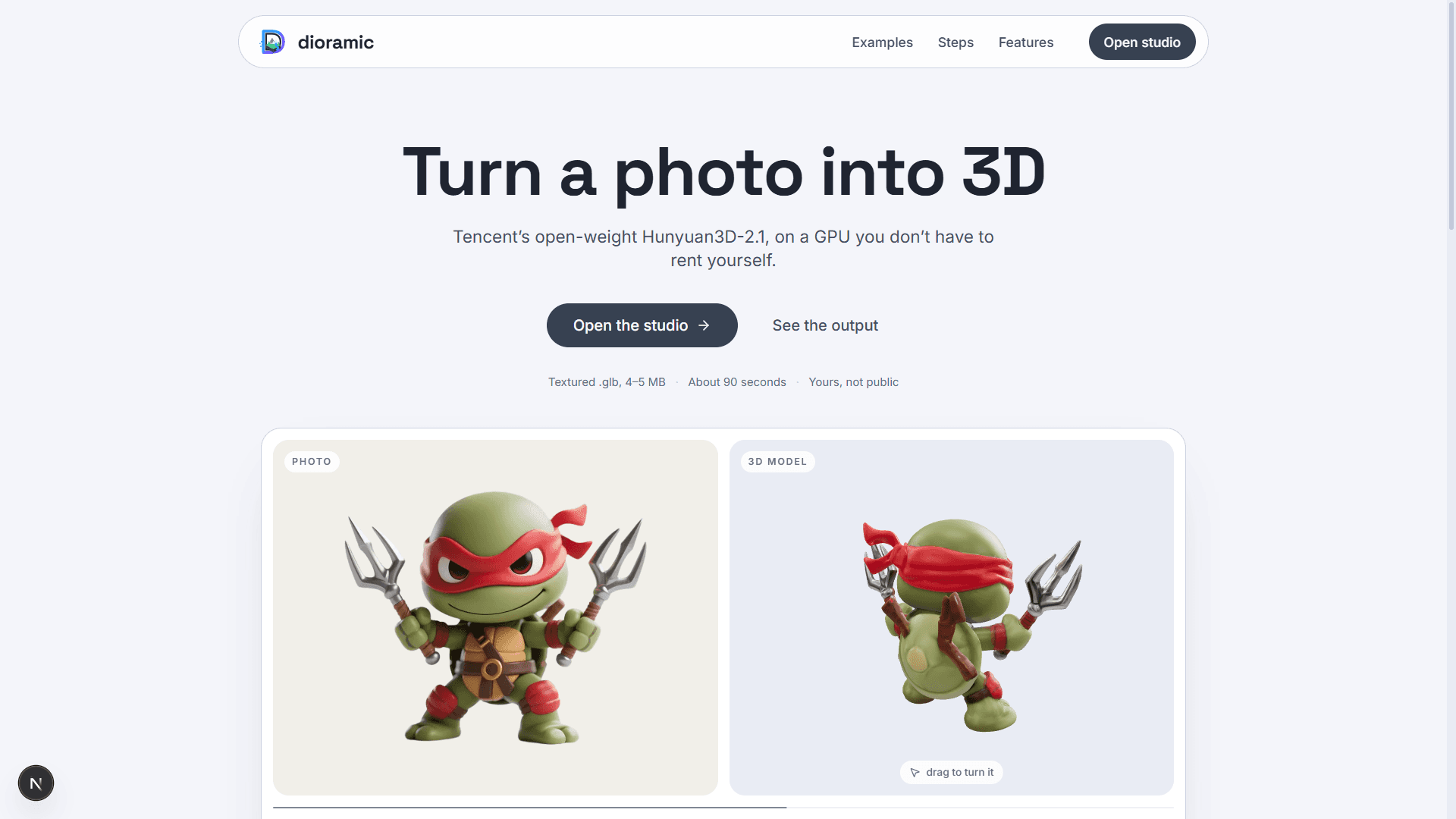
Photo-to-3D web app — upload a picture and a rented GPU turns it into a textured mesh, private to your account. Runs open-source models (TripoSR, Hunyuan3D-2.1, GroundingDINO) on Modal, with photos and meshes in Vercel Blob and every run tracked in Neon Postgres.
Relivo MCP Server
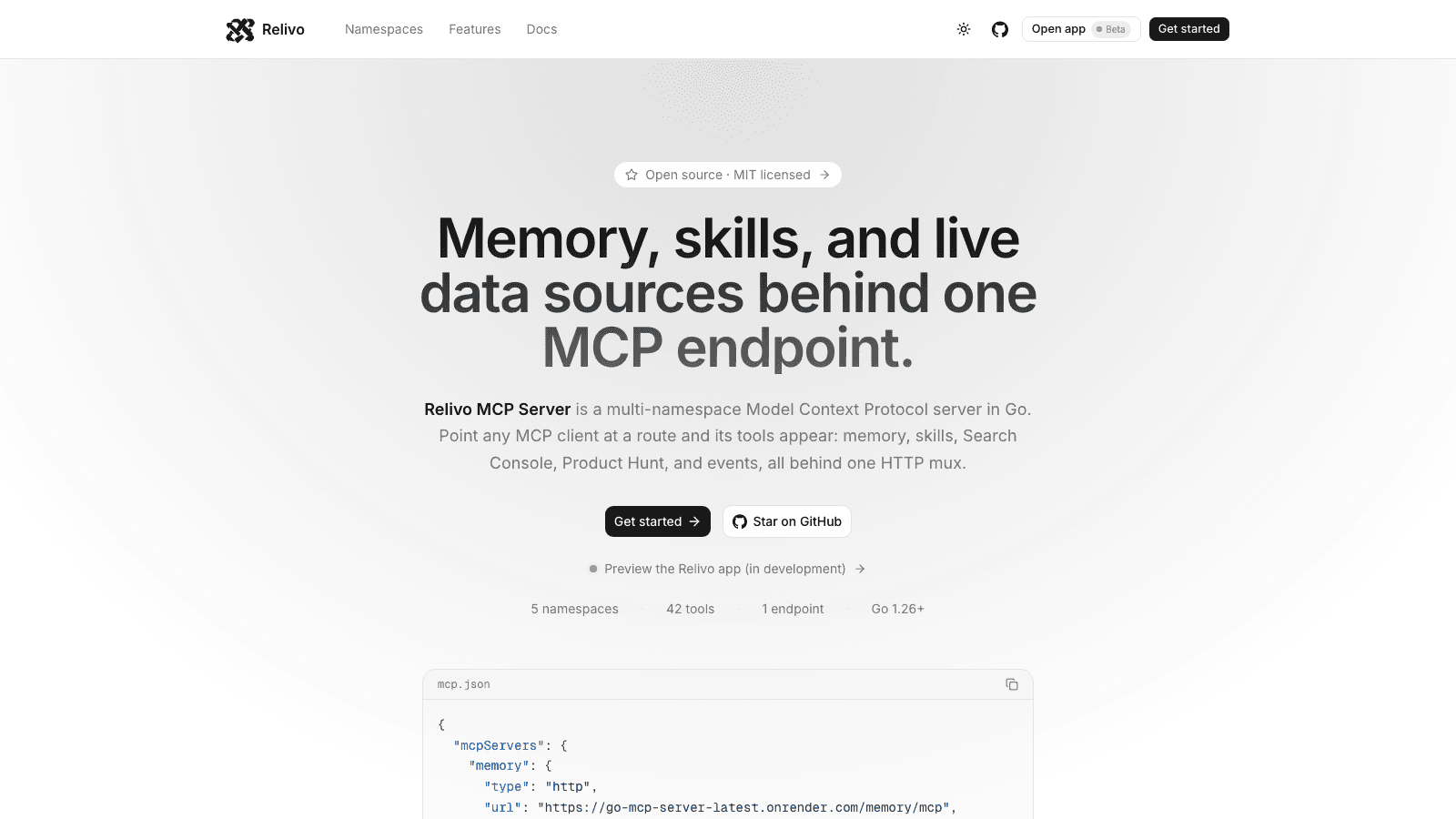
Multi-namespace Model Context Protocol server in Go — memory, skills, events, Search Console, and Product Hunt tools mounted on one HTTP mux over Streamable HTTP. Namespaces self-register at startup, and every route is admitted by its own auth: API keys for MCP clients, Clerk for the dashboard.
Vec
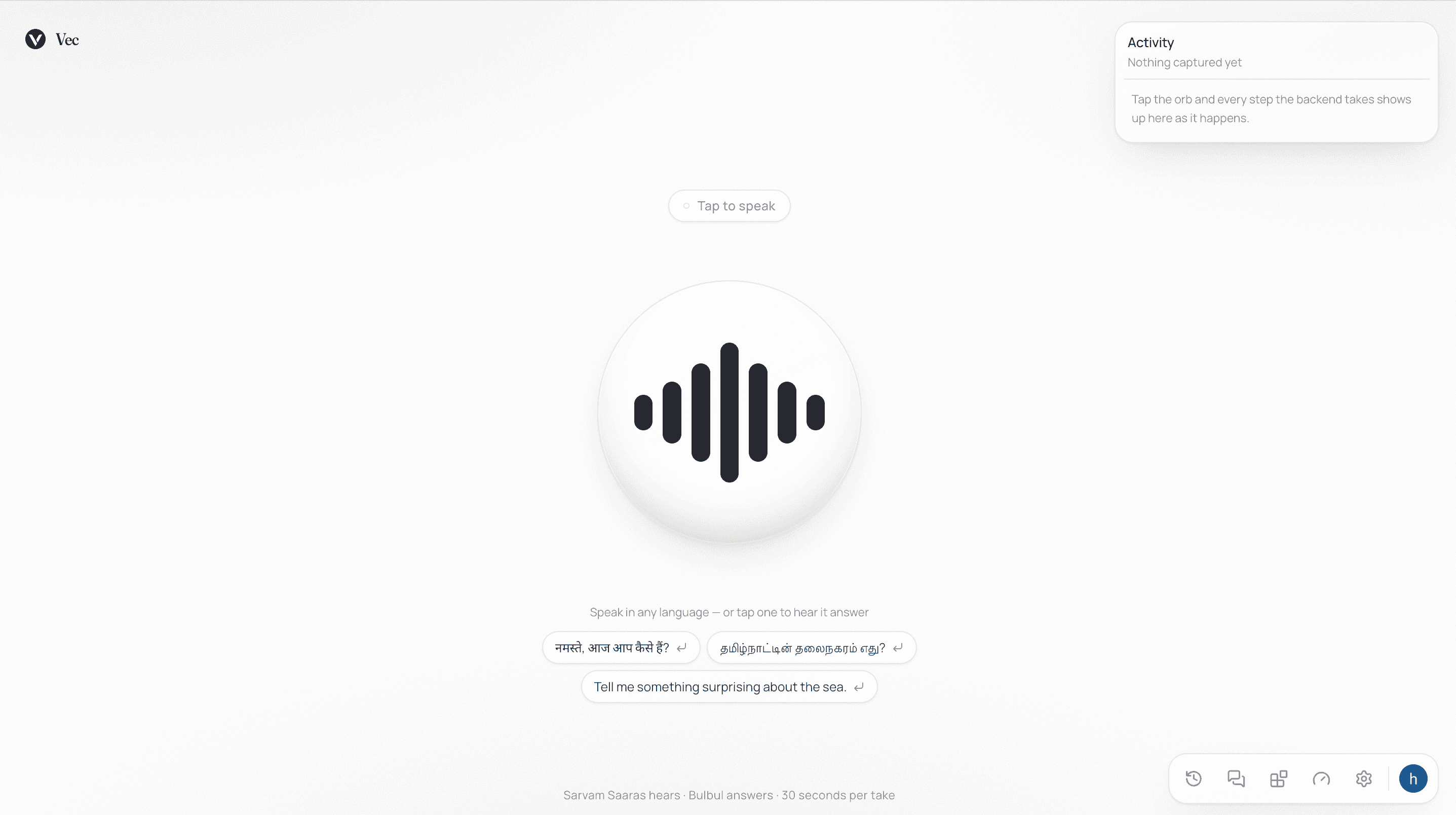
Multilingual voice assistant — speak in any of twenty-two languages and hear a reply about a second after you stop talking. Sarvam's Saaras and Bulbul models handle hearing and speaking, OpenAI writes the replies, and a connectors system lets each user wire in their own vector store, dataset, or tool with no shared corpus.