AI email replies in Chrome
Email Reply Generator
AI-powered professional email reply generator with Chrome extension support.
Documentation
📧 Email Reply Generator
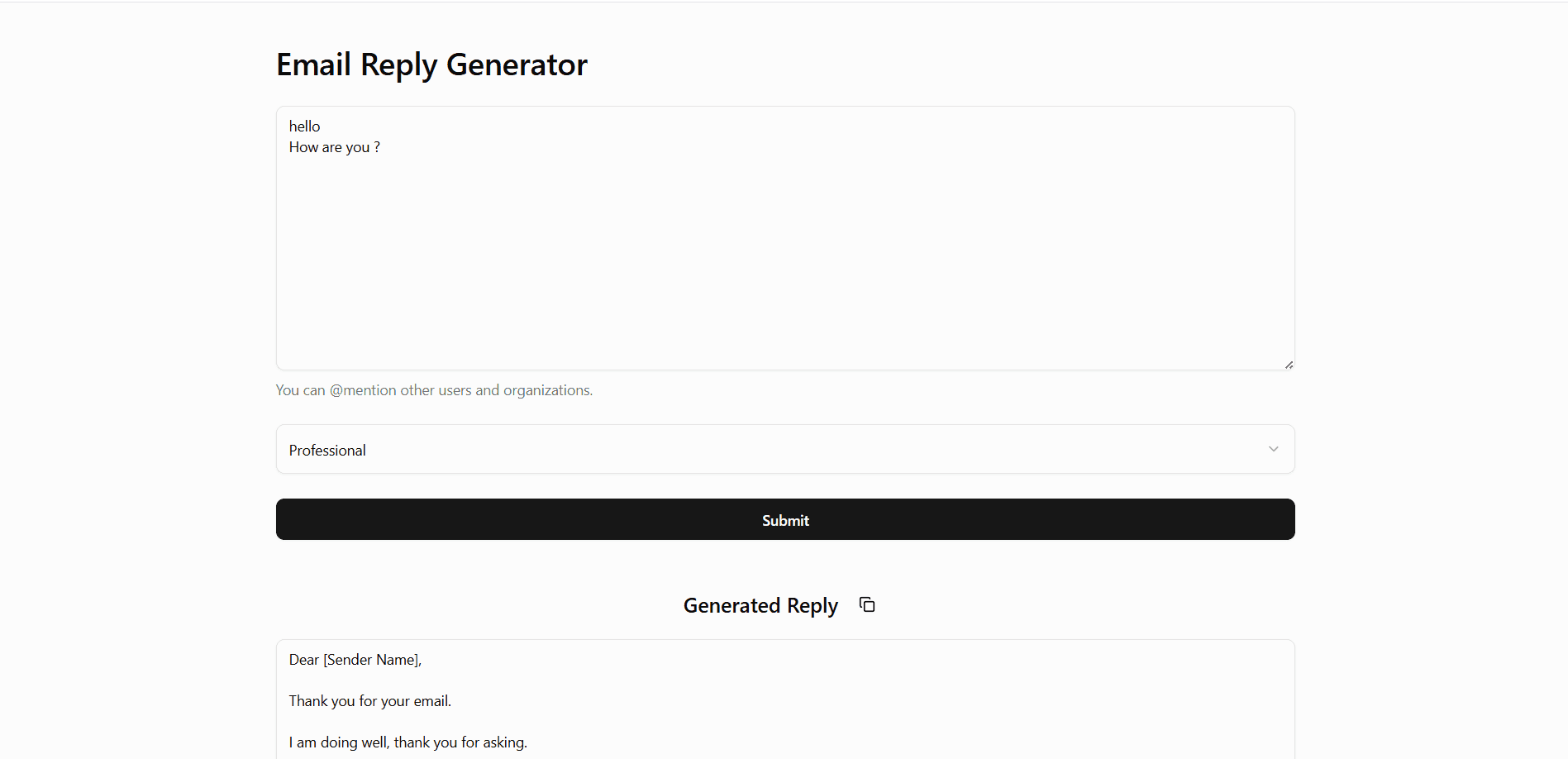
The Email Reply Generator is an AI-powered tool that helps users craft professional and personalized email replies in seconds. It includes a web interface and extends functionality into a Chrome Extension, enabling real-time reply generation directly within your email inbox.
🔗 Live Demo Screenshot
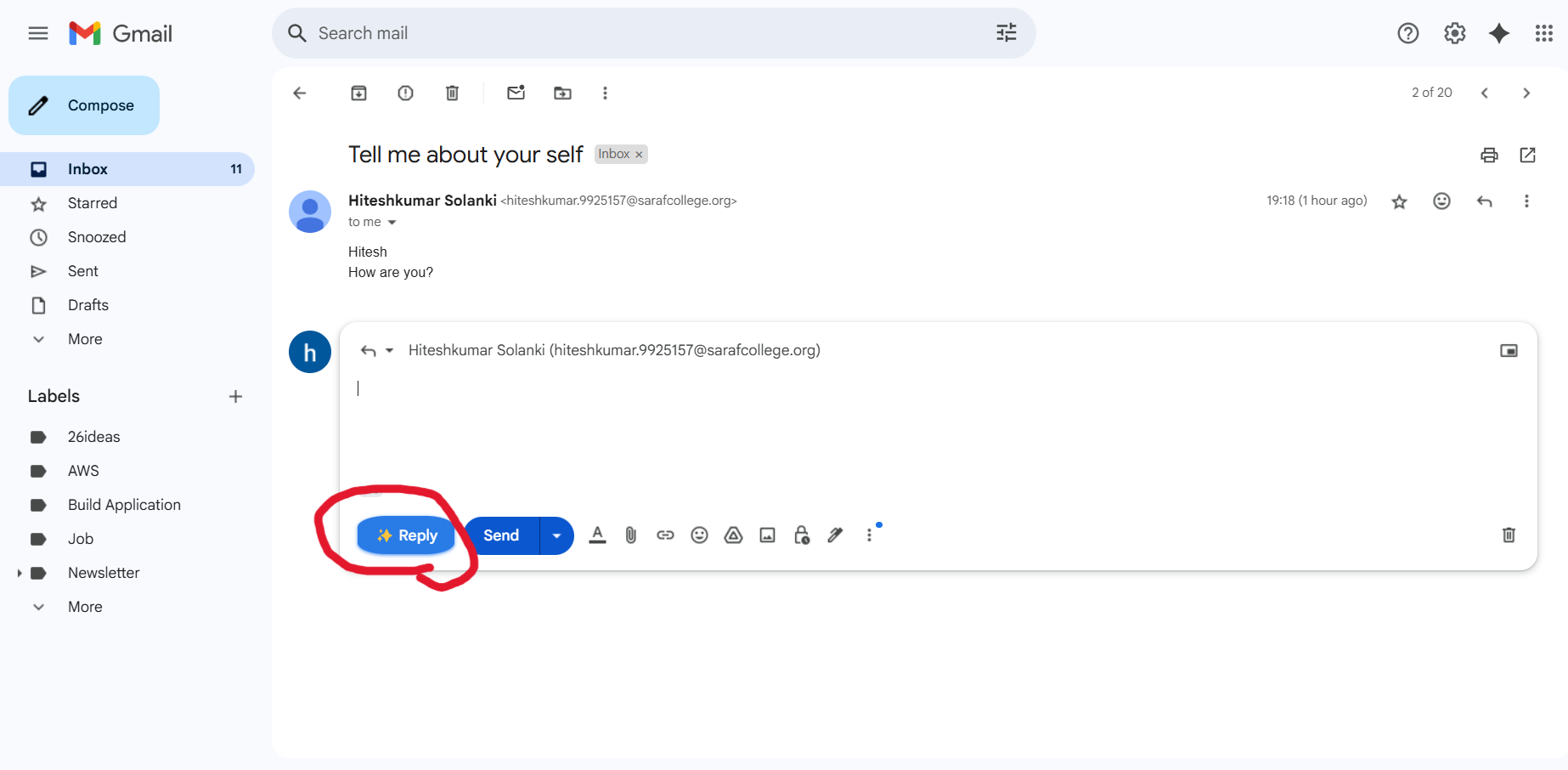
Chrome Extension (Gmail Context)
/images/video.mp4 to show how it embeds the AI reply button
💡 Description
Writing the perfect email reply can be time-consuming. This tool leverages AI to automatically generate context-aware replies based on the received message. Whether you're aiming for a professional, friendly, or casual tone, the AI crafts an appropriate response instantly.
The project also includes a Chrome Extension that injects an "AI Reply" button into your Gmail (or supported email platform) interface, generating responses inline without switching tabs or apps.
🚀 Features
- 🧠 AI-generated email replies
- ✍️ Multiple tone options (Professional, Friendly, etc.)
- ⚡ Real-time response generation
- 🌐 Simple and clean web interface
- 🧩 Chrome Extension for inline email replies
- 📋 One-click copy to clipboard functionality
🛠️ Tech Stack
- React.js
- Gemini API (AI model)
- Tailwind CSS (UI Styling)
- Spring Boot
- Java
- Chrome Extension APIs (Manifest v3)
🧩 Chrome Extension Setup
- Navigate to
chrome-extension/directory (if separate). - Build or copy
email-writer-ext/files. - Open Chrome →
chrome://extensions/ - Enable Developer Mode
- Click Load Unpacked → Select the
distorextensionfolder - Pin the extension and start generating replies in your inbox!
Keep exploring
Related work
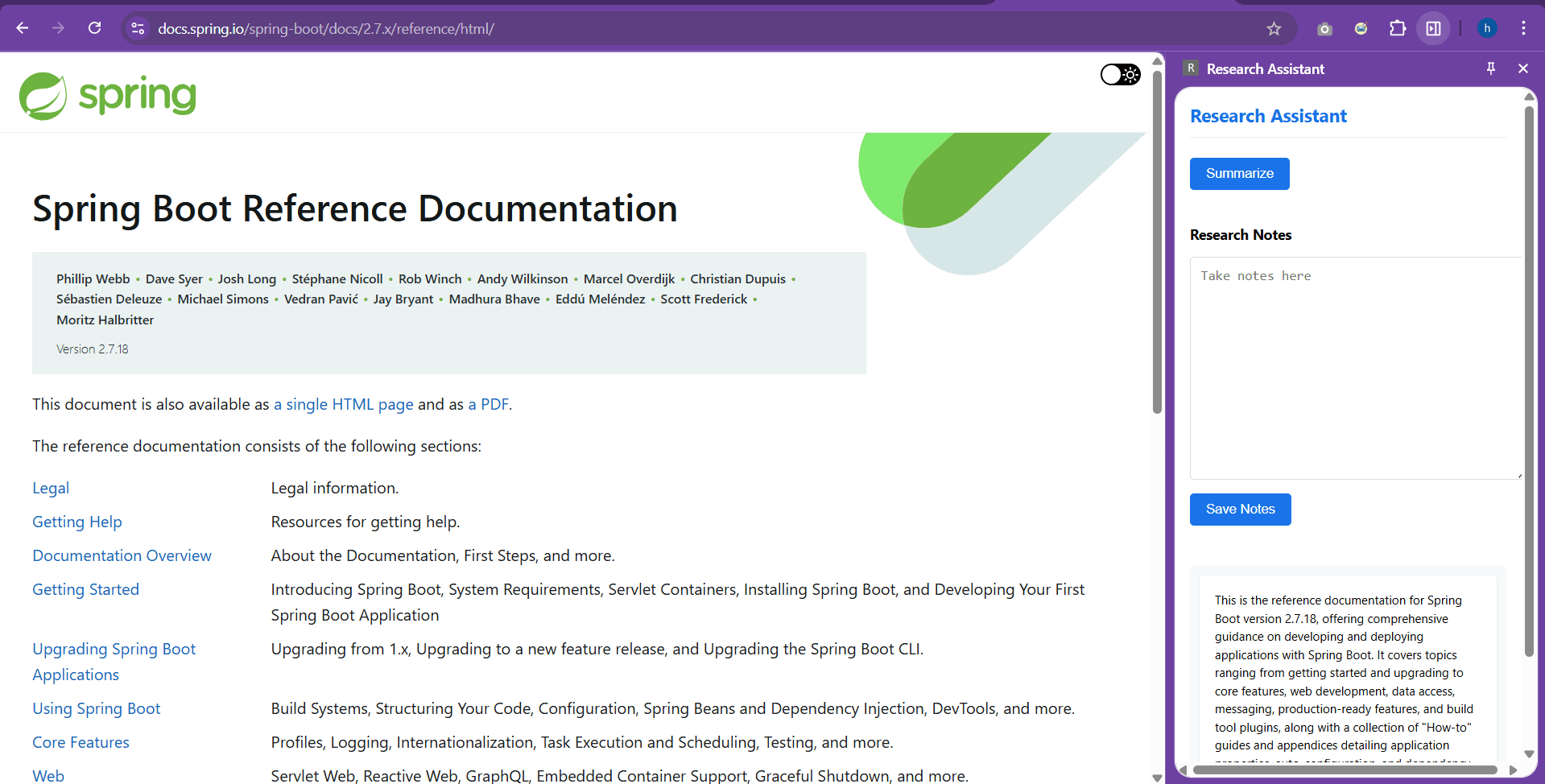
Research Assistant - Chrome Extension
Chrome extension to summarize selected text instantly and store notes.
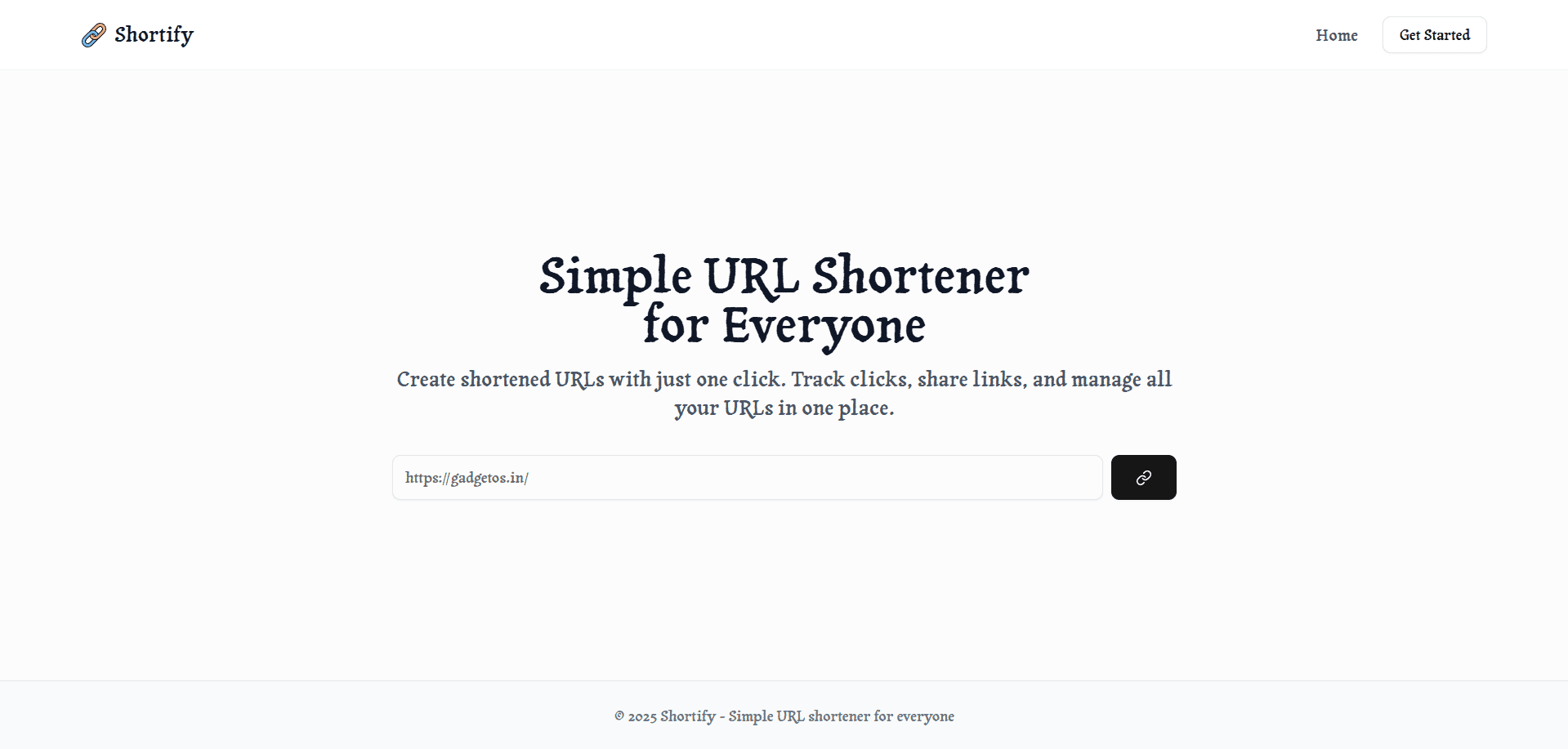
Shortify
A full-stack URL shortener built with React, Spring, Java, MySQL, Docker, and AWS ECS.

Rumiva
Interior design studio experience built for a 3D web hackathon — a React Three Fiber room you explore straight from the hero, plus designer portfolios, project galleries, and service pages tied together with GSAP motion and smooth scrolling.