AI reading companion for PDFs
Bookify
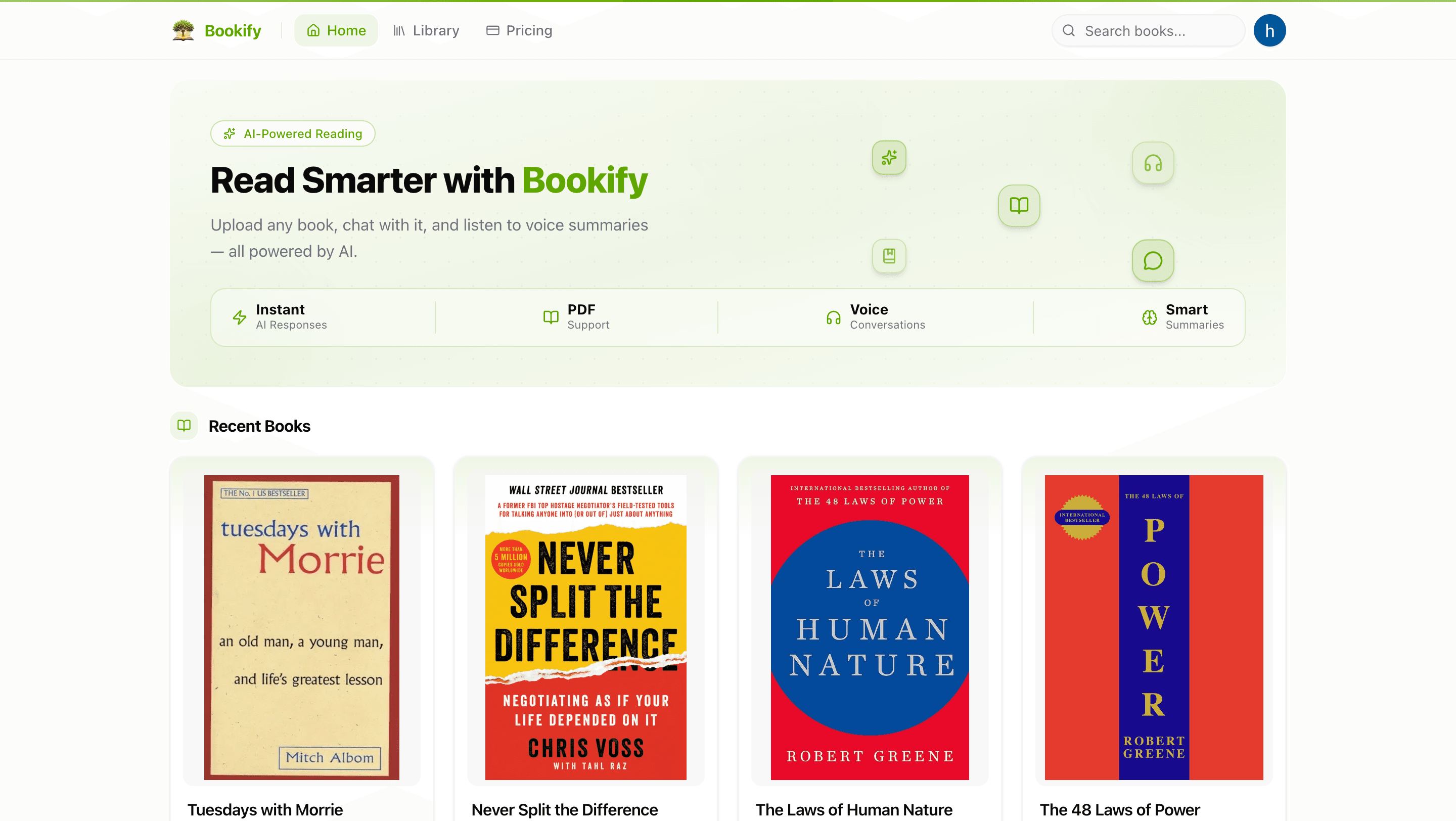
AI-powered reading companion — upload a PDF book, get an AI-generated overview, chat with the content via RAG, and have live voice conversations about it.
Documentation
What is Bookify?
Bookify is an AI-powered reading companion. Upload a PDF book and get:
- An AI-generated overview covering key themes and important topics
- A chat interface to ask questions about the book and get contextual answers
- A voice conversation mode where you can talk to the book out loud
- Smart metadata extraction — title, author, genre, and tags auto-filled from the PDF
Screenshots
Book Detail
<img src="images/book.png" alt="Book detail page" width="100%" />AI-Generated Overview
<img src="images/book-overview.png" alt="Book overview with AI summary" width="100%" />Chat with Your Book
<img src="images/book-chat.png" alt="Chat interface" width="100%" />Voice Conversations
<img src="images/book-voice.png" alt="Voice call mode" width="100%" />Features
| Feature | Description |
|---|---|
| PDF Upload | Upload books up to 50 MB; stored securely in AWS S3 |
| AI Metadata | Gemini auto-extracts title, author, description, genre, and tags |
| Book Overview | AI-generated summary with important topics, themes, and insights |
| Chat (RAG) | Ask anything about the book — answers grounded in the actual text via pgVector embeddings |
| Voice Mode | Choose a voice persona (Male Professional, Female Friendly, etc.) and have a spoken conversation about the book |
| PDF Viewer | Read the original PDF inline, side-by-side with the AI panel |
| Library | Browse and manage all your uploaded books |
| Auth | Secure sign-in and sign-up via Clerk |
Tech Stack
Frontend
- Next.js 16 (App Router) + React 19
- Tailwind CSS 4 + shadcn/ui
- Framer Motion for animations
- react-pdf for the inline PDF viewer
Backend & AI
- MongoDB — book metadata and chat history
- NeonDB + pgVector — vector embeddings for RAG search
- AWS S3 — PDF and cover image storage
- Google Gemini — metadata extraction, embeddings, and summaries
- LangChain — AI orchestration and agent actions
- Vapi — real-time voice AI conversations
- Inngest — background book processing pipeline
Auth & Infra
- Clerk — authentication
- Vercel Analytics
Getting Started
Prerequisites
- Node.js 20+
- A MongoDB instance (local or Atlas)
- NeonDB project with pgVector enabled
- AWS S3 bucket
- Clerk application
- Google Gemini API key
- Vapi account
- Inngest account (or use the local dev server)
Installation
git clone https://github.com/your-username/bookify.git
cd bookify
npm install
Environment Variables
Copy .env.example to .env.local and fill in your credentials:
cp .env.example .env.local
| Variable | Description |
|---|---|
MONGODB_URI | MongoDB connection string |
NEON_DATABASE_URL | NeonDB connection string (with pgVector) |
NEXT_PUBLIC_CLERK_PUBLISHABLE_KEY | Clerk publishable key |
CLERK_SECRET_KEY | Clerk secret key |
GEMINI_API_KEY | Google Gemini API key |
GEMINI_MODEL | Gemini model name (e.g. gemini-2.0-flash) |
AWS_REGION | S3 bucket region |
AWS_S3_BUCKET | S3 bucket name |
AWS_ACCESS_KEY_ID | AWS access key |
AWS_SECRET_ACCESS_KEY | AWS secret key |
VAPI_API_KEY | Vapi API key |
VAPI_VOICE_ID_MALE_PROFESSIONAL | Vapi voice ID |
VAPI_VOICE_ID_FEMALE_FRIENDLY | Vapi voice ID |
INNGEST_EVENT_KEY | Inngest event key |
INNGEST_SIGNING_KEY | Inngest signing key |
Run Locally
npm run dev
App runs at http://localhost:3001.
For background book processing, start the Inngest dev server in a separate terminal:
npx inngest-cli@latest dev
Project Structure
src/
├── app/
│   ├── (preview)/preview/[id]/   # Book reader — PDF viewer + AI panels
│   ├── (protected)/upload/        # Book upload flow
│   └── api/                       # API routes (books, chat, voice, users)
├── modules/
│   ├── agents/                    # AI agent actions (summary, embeddings)
│   ├── books/                     # Book model, schema, types
│   ├── chat/                      # Chat model
│   └── voice/                     # Voice model
├── lib/
│   ├── inngest/                   # Background processing pipeline
│   ├── vector-store.ts            # pgVector insert/search
│   ├── chunker.ts                 # PDF text chunking
│   └── api/                       # S3, Vapi, embeddings helpers
└── components/                    # Shared UI components
Scripts
| Script | Description |
|---|---|
npm run dev | Start dev server on port 3001 |
npm run build | Production build |
npm run lint | Lint with ESLint |
npm run type-check | TypeScript type check |
npm run summaries:backfill | Backfill AI summaries for existing books |
License
MIT
Keep exploring
Related work
Veyra
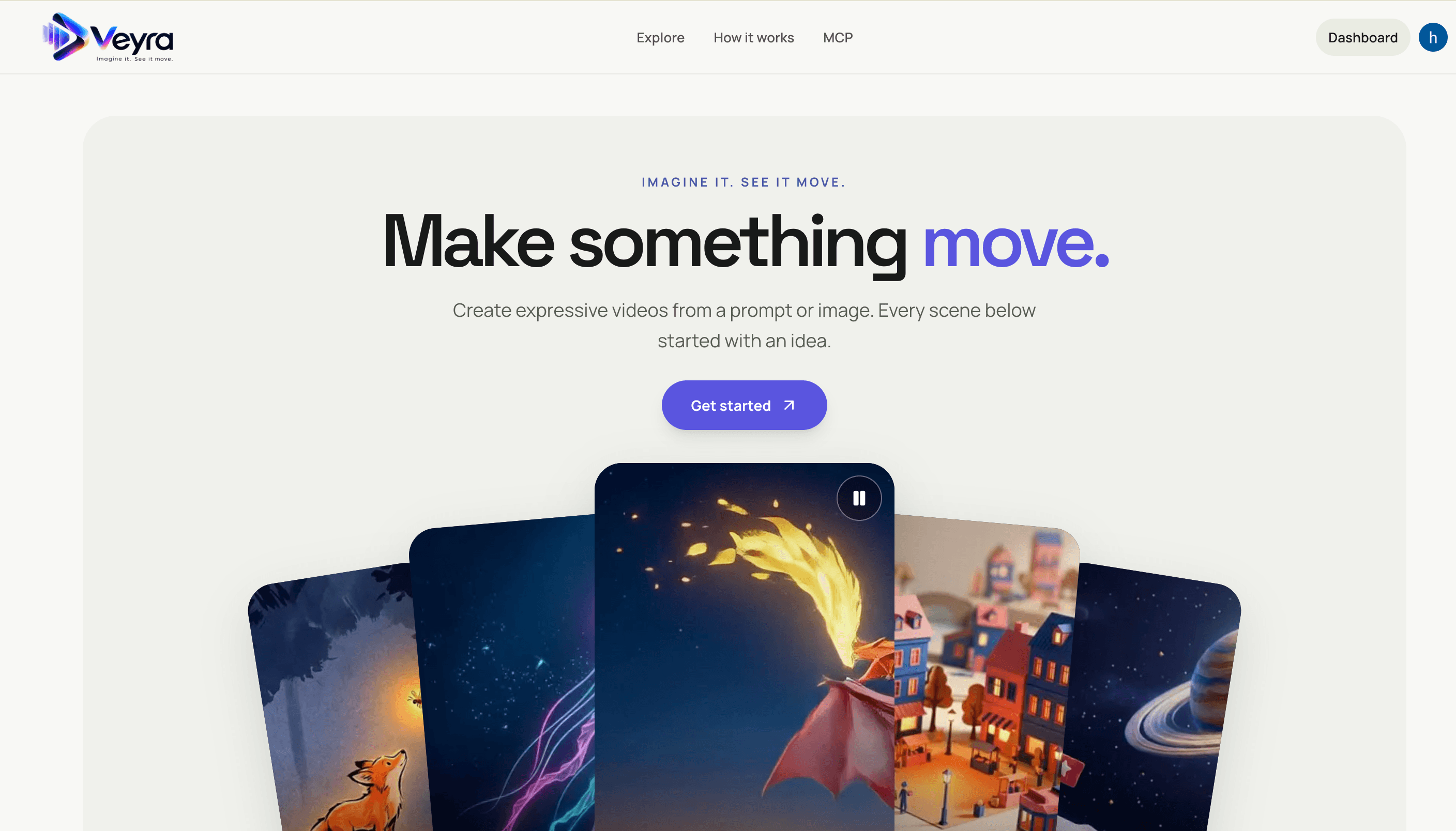
Create videos from text prompts or images with a Next.js frontend and FastAPI service. Veyra dispatches generation jobs to on-demand Modal GPU workers, stores private results in S3, and offers a hosted MCP server for agent integrations.
Relivo MCP Server
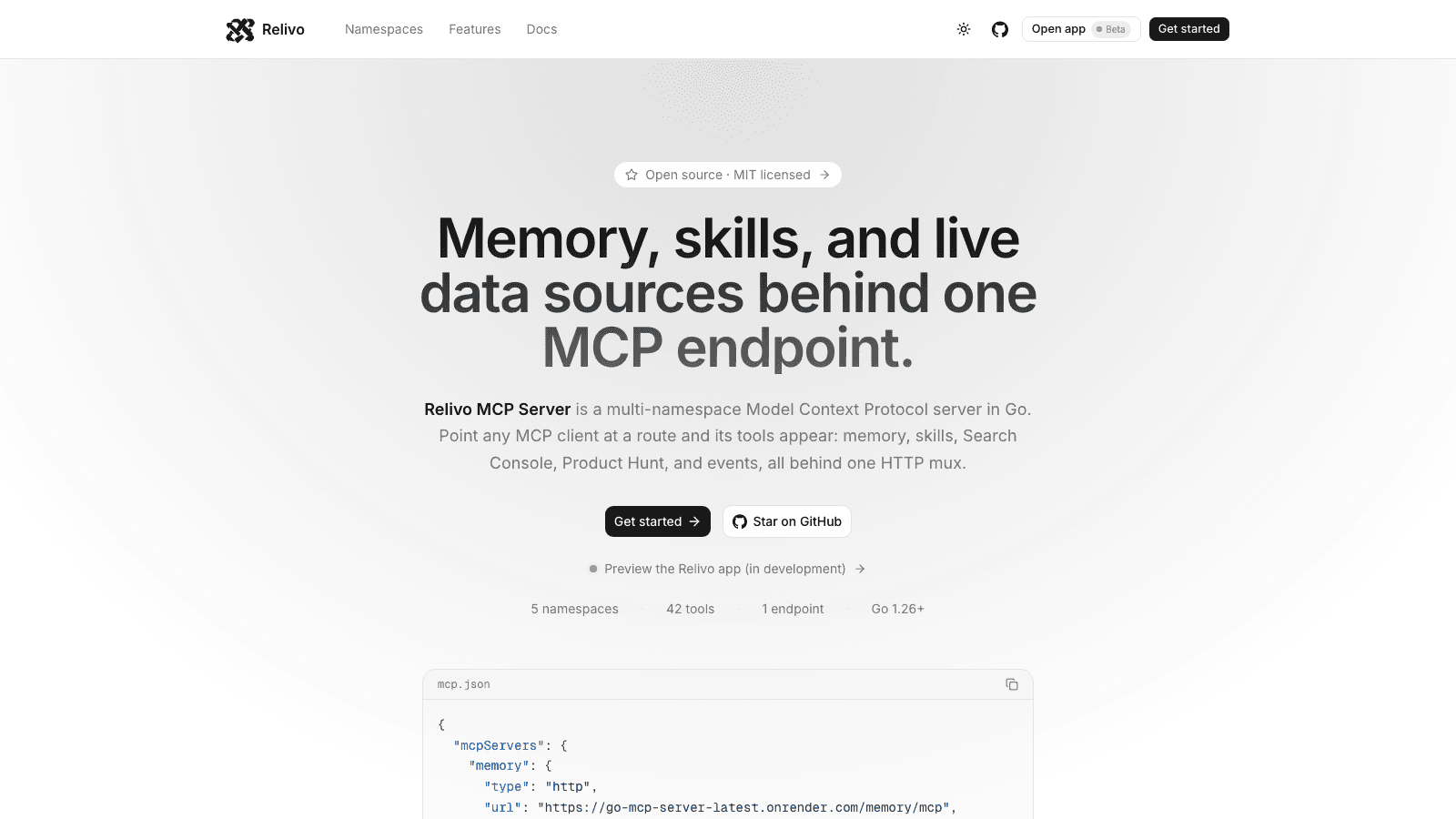
Multi-namespace Model Context Protocol server in Go — memory, skills, events, Search Console, and Product Hunt tools mounted on one HTTP mux over Streamable HTTP. Namespaces self-register at startup, and every route is admitted by its own auth: API keys for MCP clients, Clerk for the dashboard.
Dioramic
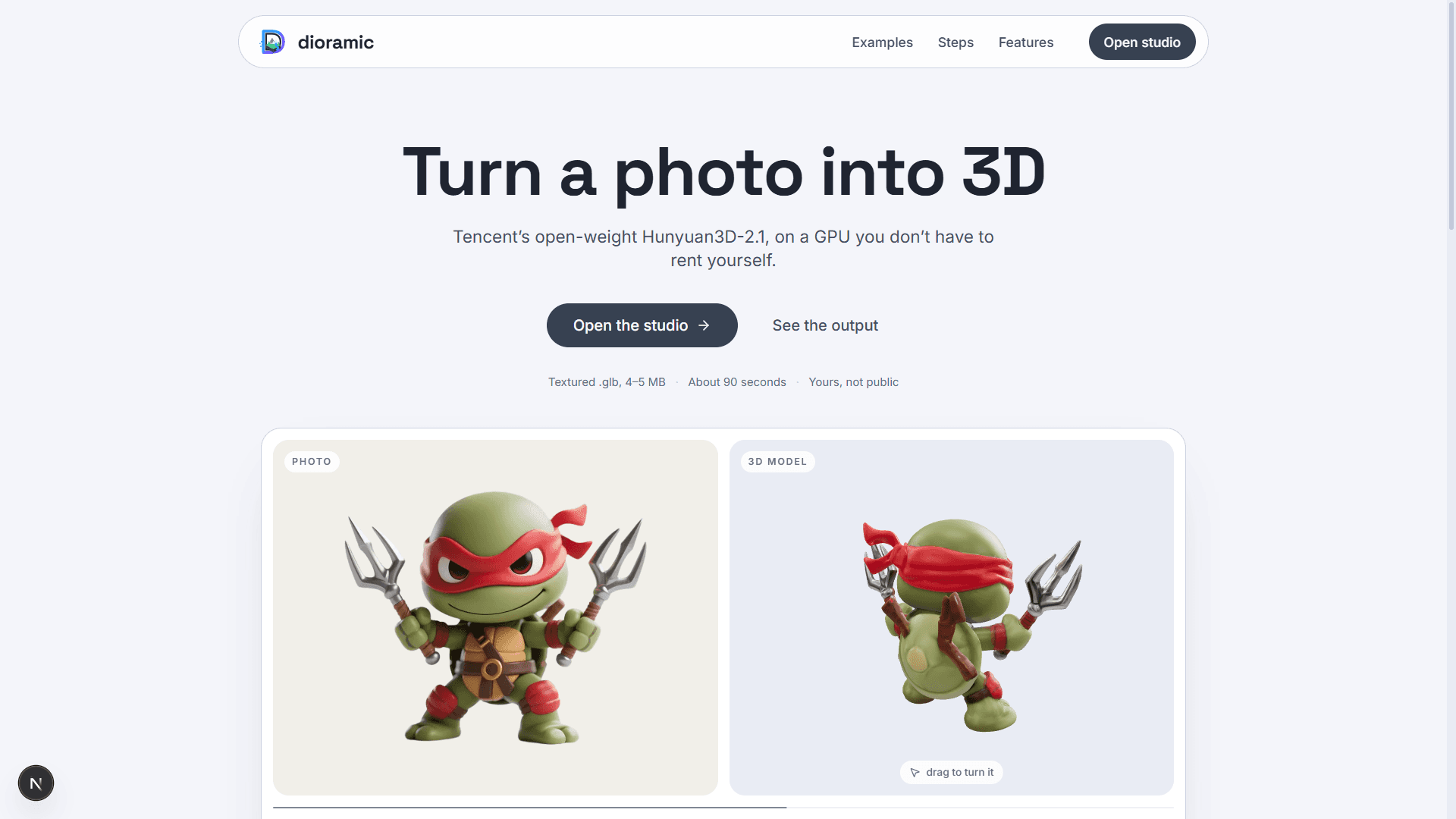
Photo-to-3D web app — upload a picture and a rented GPU turns it into a textured mesh, private to your account. Runs open-source models (TripoSR, Hunyuan3D-2.1, GroundingDINO) on Modal, with photos and meshes in Vercel Blob and every run tracked in Neon Postgres.