Real-time collaborative whiteboard
Miro
Real-time collaborative whiteboard with Liveblocks, Next.js, and Clerk.
Documentation
🧩 Miro Clone – Real-Time Collaborative Whiteboard
A modern, full-stack Miro clone that enables real-time collaborative whiteboarding. Built with Next.js and powered by Liveblocks and Convex, this application offers seamless collaboration, secure authentication, and a responsive user interface.
🔗 Live Demo: https://miro-app-psi.vercel.app
🚀 Features
- Real-Time Collaboration: Multiple users can interact on the same board simultaneously.
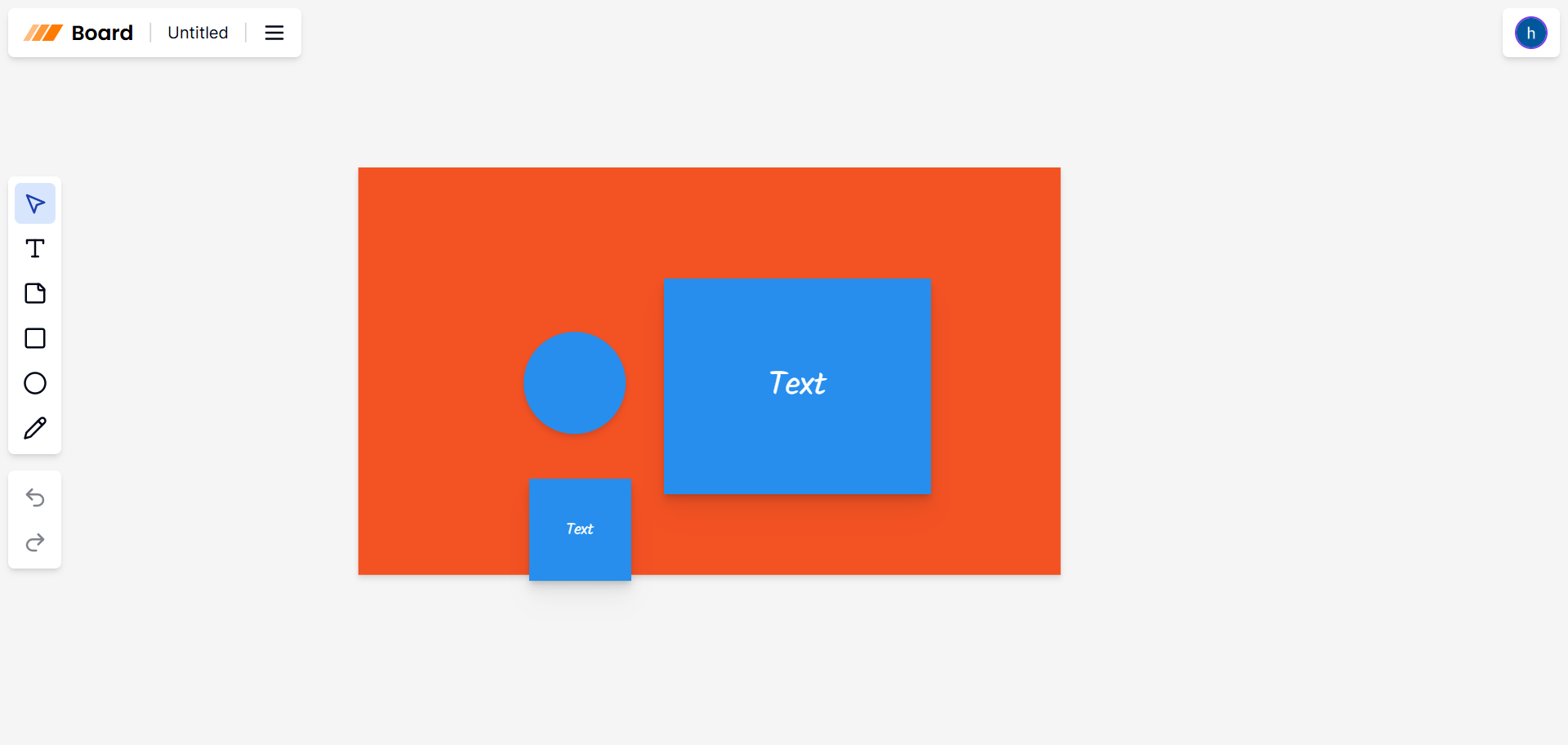
- Interactive Whiteboard: Draw, add shapes, and annotate in a shared space.
- User Authentication: Secure sign-in using Clerk's authentication system.
- Responsive Design: Optimized for both desktop and mobile devices.
- Server-Side Rendering: Enhanced performance and SEO with Next.js SSR.
🛠️ Tech Stack
Frontend:
- Next.js
- TypeScript
- Tailwind CSS
- ShadCN UI
- Liveblocks (Real-time collaboration)([Miro Developer Platform][5], [GitHub][6], [Stack by Convex][7], [React Projects Collection][8])
Backend:
- Convex (Real-time database)
- Server-Side Rendering with Next.js
Authentication:
- Clerk (OAuth-based authentication)
Deployment:
- Vercel
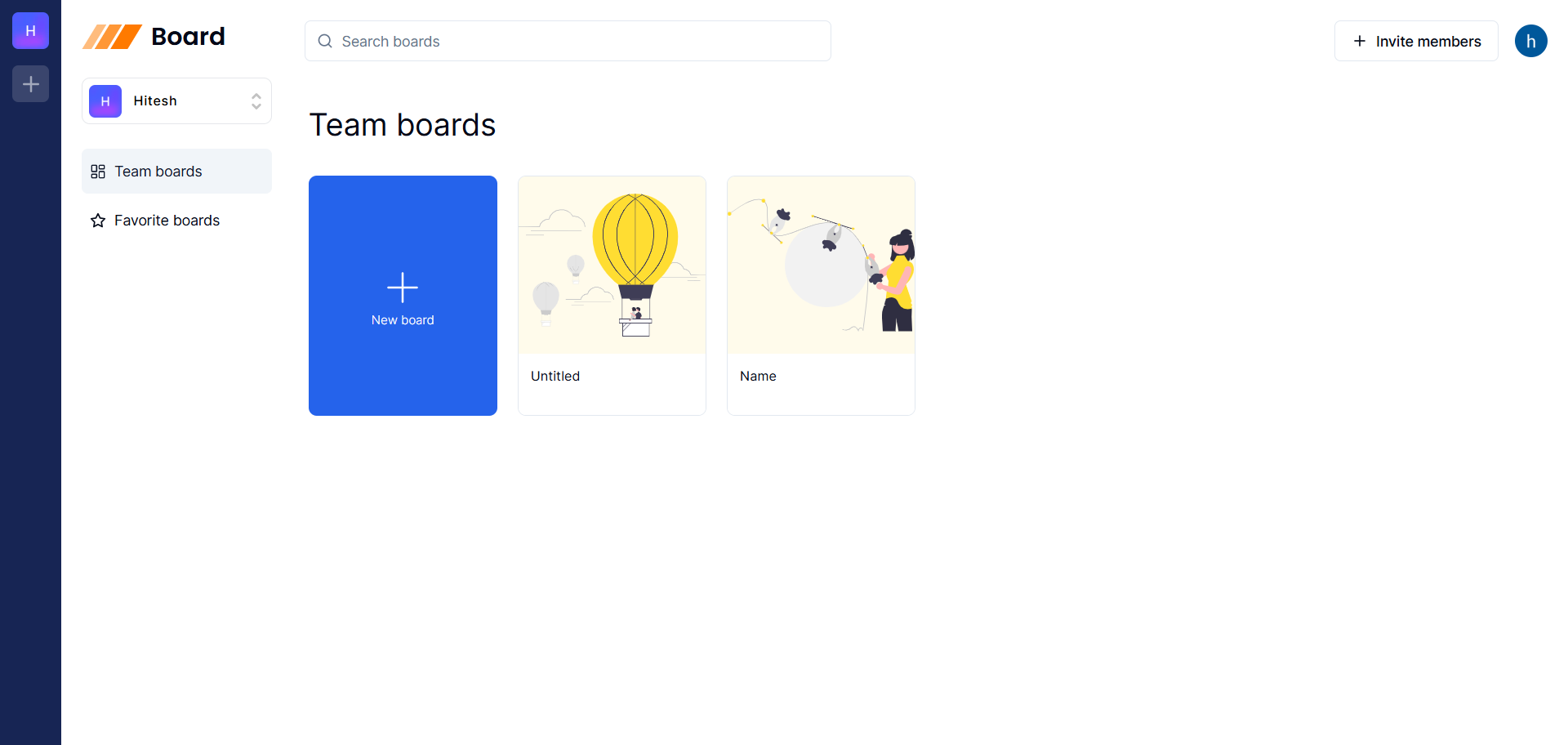
📸 Screenshots
Miro Home
Collaborative Whiteboard
🧰 Getting Started
Prerequisites
- Node.js (v18 or higher)
- npm or yarn
- Clerk account for authentication
- Convex account for the database
Installation
-
Clone the repository:
git clone https://github.com/Hitesh-s0lanki/miro-app.git cd miro-app -
Install dependencies:
npm install # or yarn install -
Set up environment variables:
- Create a
.env.localfile in the root directory. - Refer to
.env.examplefor the required environment variables.
- Create a
-
Run the development server:
npm run dev
# or
yarn dev
Open http://localhost:3000 with your browser to see the result.
☁️ Deployment
The application is deployed on Vercel, offering seamless integration with GitHub for continuous deployment. Every push to the main branch triggers an automatic deployment.
🔮 Future Enhancements
- Enhanced Drawing Tools: Add more shapes, colors, and line styles.
- Board Export: Allow users to export boards as images or PDFs.
- Chat Integration: Implement a chat feature for better communication.
- Access Controls: Introduce roles and permissions for board access.
🤝 Contributing
Contributions are welcome! Please fork the repository and submit a pull request for any enhancements or bug fixes. For major changes, please open an issue first to discuss what you would like to change.
Keep exploring
Related work
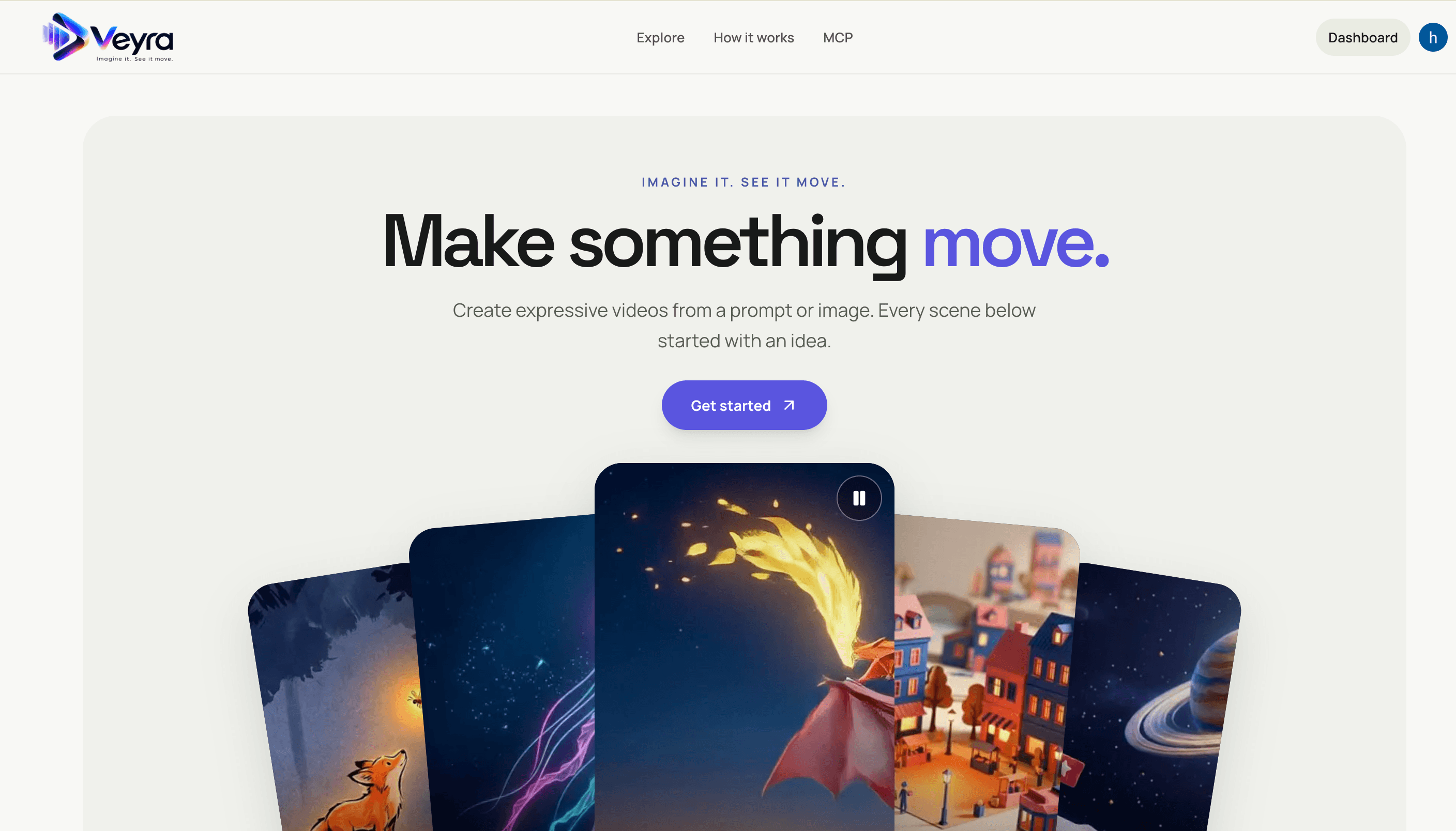
Veyra
Create videos from text prompts or images with a Next.js frontend and FastAPI service. Veyra dispatches generation jobs to on-demand Modal GPU workers, stores private results in S3, and offers a hosted MCP server for agent integrations.
Dioramic
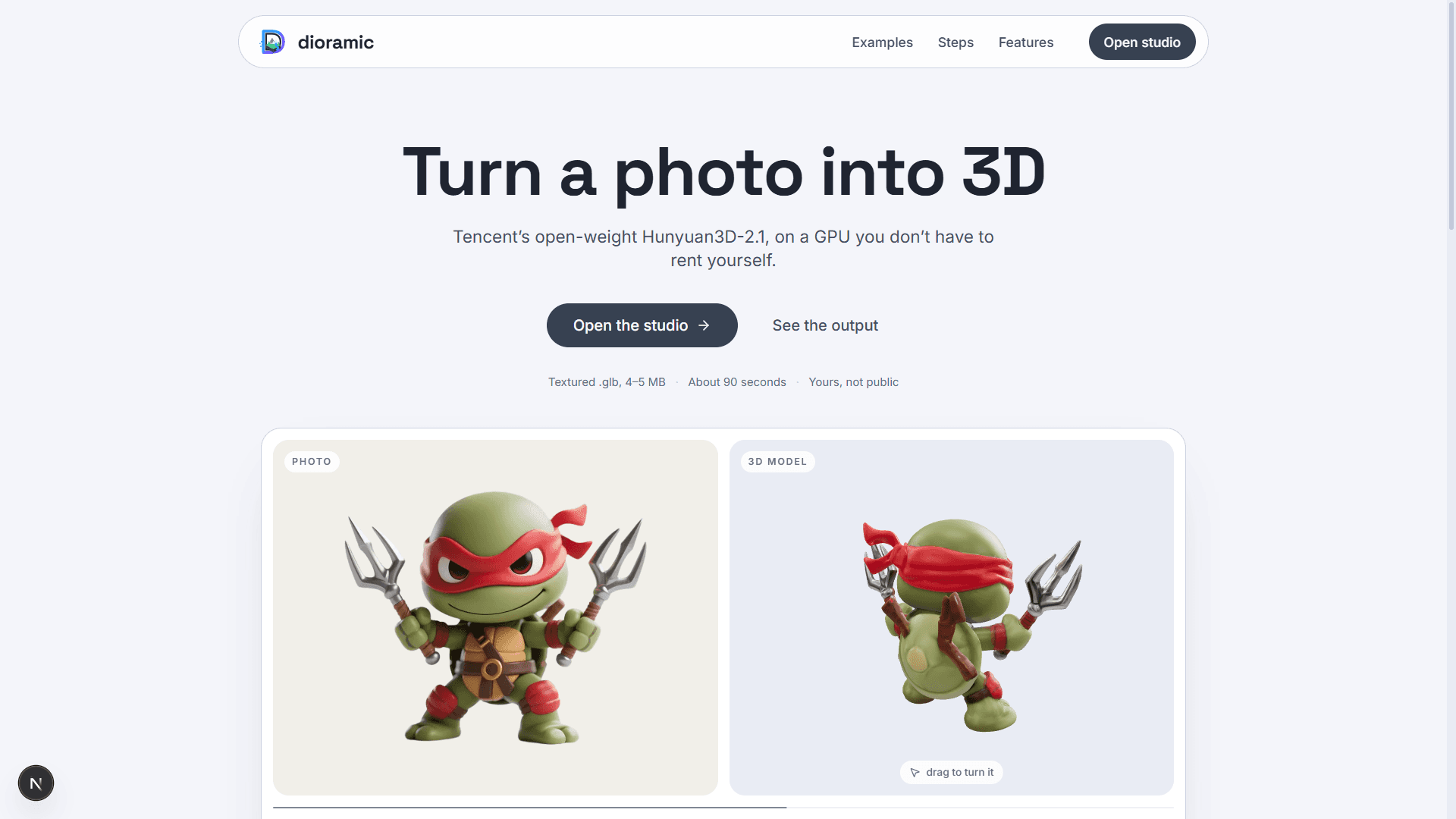
Photo-to-3D web app — upload a picture and a rented GPU turns it into a textured mesh, private to your account. Runs open-source models (TripoSR, Hunyuan3D-2.1, GroundingDINO) on Modal, with photos and meshes in Vercel Blob and every run tracked in Neon Postgres.
Relivo MCP Server
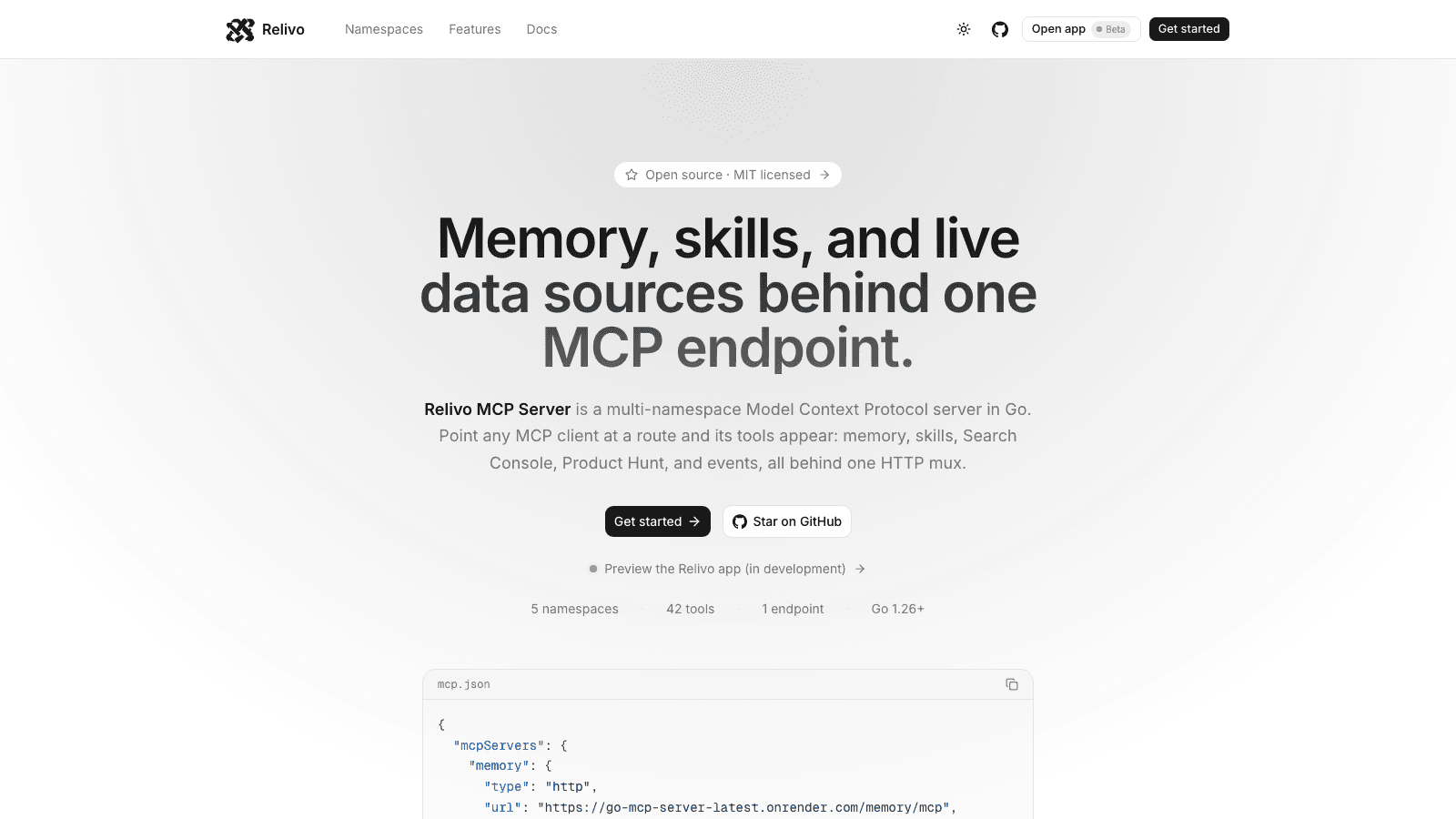
Multi-namespace Model Context Protocol server in Go — memory, skills, events, Search Console, and Product Hunt tools mounted on one HTTP mux over Streamable HTTP. Namespaces self-register at startup, and every route is admitted by its own auth: API keys for MCP clients, Clerk for the dashboard.