Event ticketing and booking system
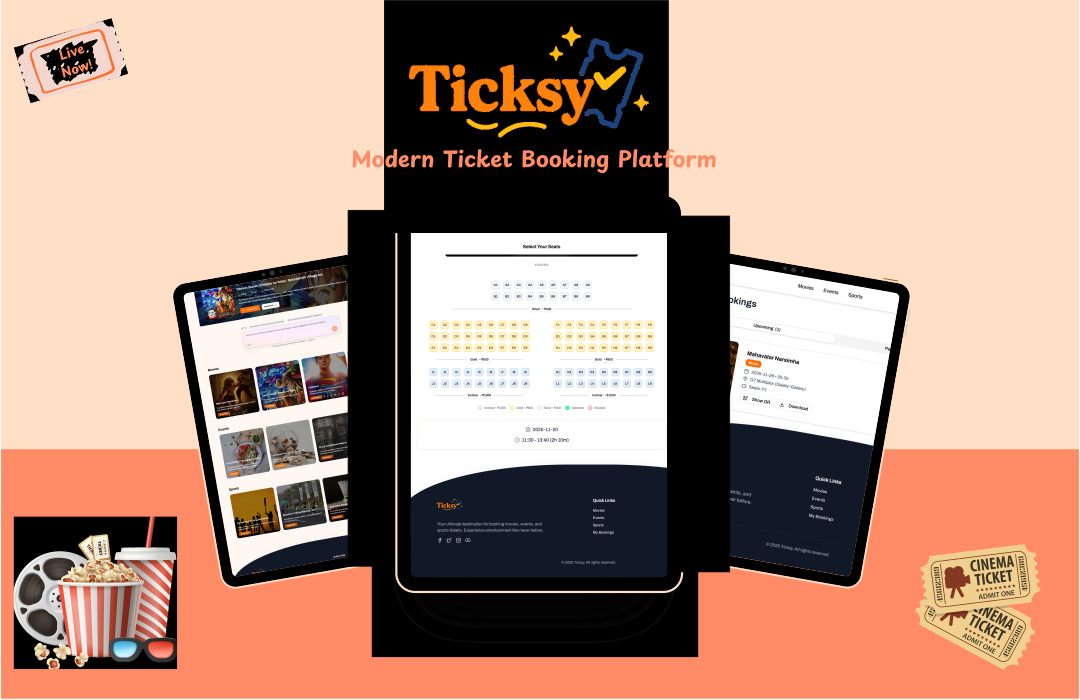
Ticksy Booking App
A booking app for Ticksy, a ticketing system for events and concerts.
Documentation
Ticksy Booking Application
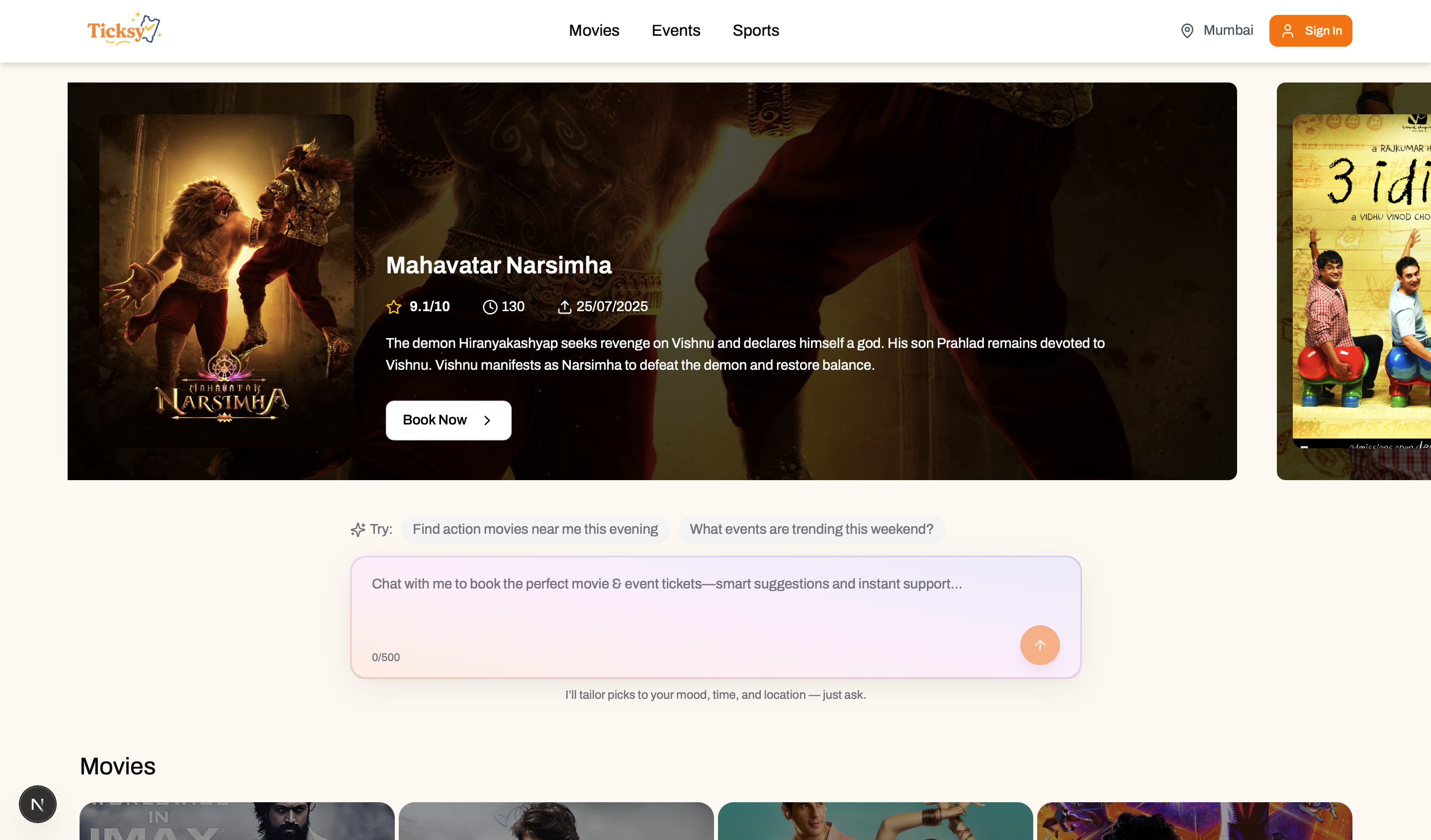
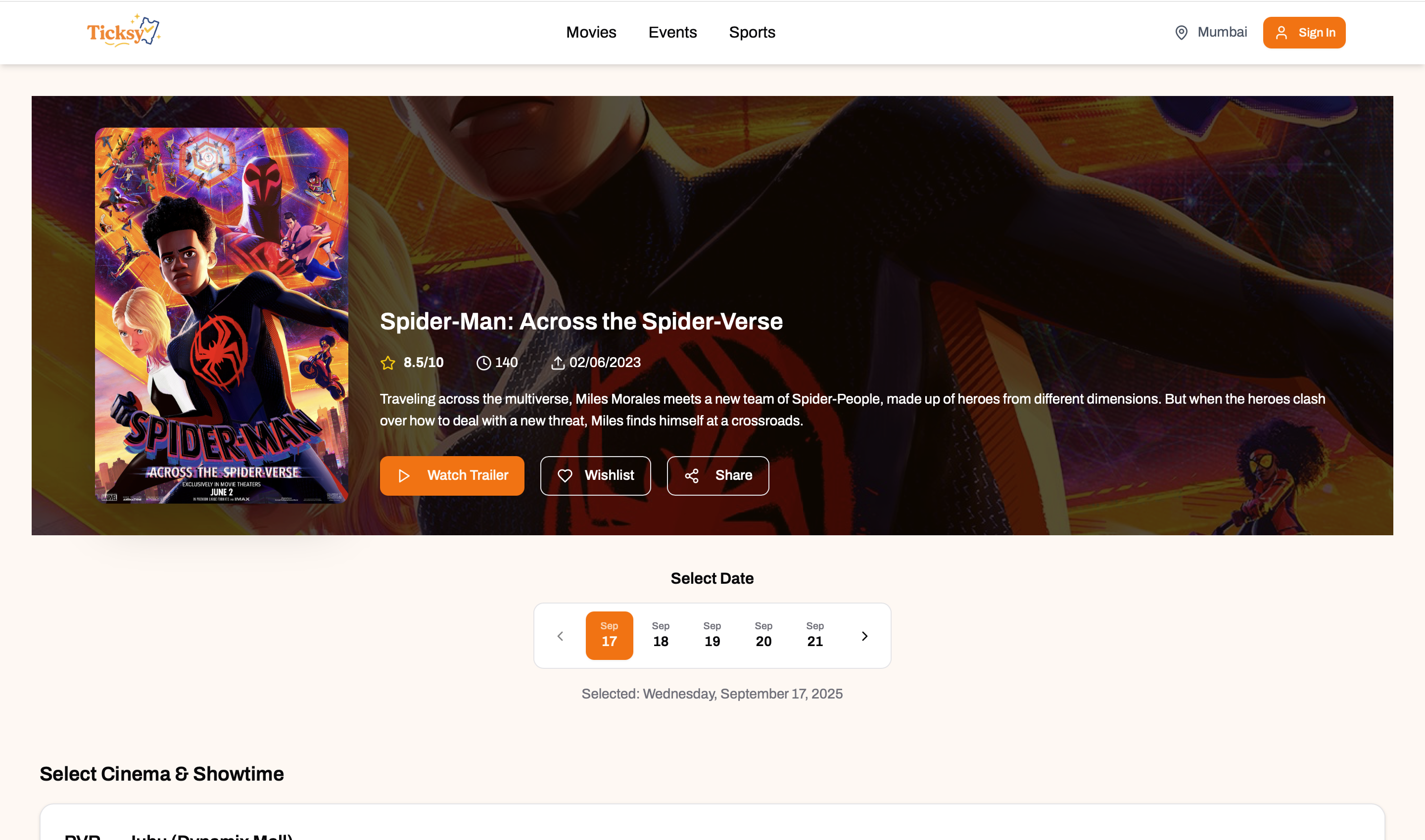
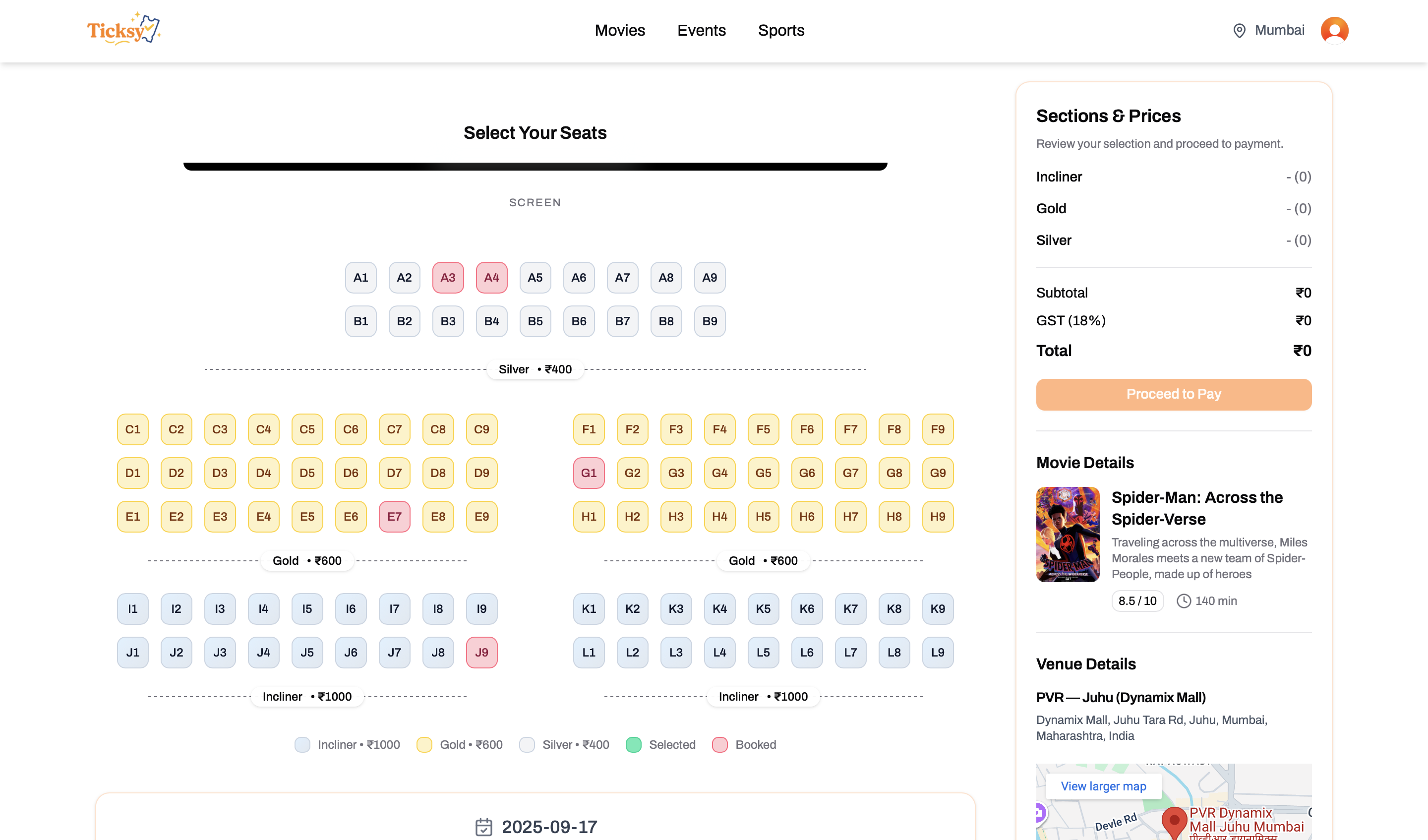
Ticksy is a full-stack movie ticketing platform that combines a modern Next.js front end, a Spring Boot API, and supporting AI and data-ingestion services. The project demonstrates how a cloud-ready ticket booking experience can be assembled with modular services, event discovery, secure payments, and operational tooling.
Highlights
- Cross-service architecture that separates the UI, core booking API, generative AI assistants, and ingestion pipelines.
- PostgreSQL-backed catalogue with movie metadata that can be enriched and seeded via gRPC-based tooling.
- Integrated payments using Razorpay test credentials for a realistic checkout flow.
- Production-grade frontend built with shadcn/ui, Clerk authentication, TRPC, and TanStack Query for a polished user experience.
Repository Structure
| Path | Description |
|---|---|
book-my-show-fe/ | Next.js 15 application that renders the customer experience, handles authentication with Clerk, and orchestrates bookings via TRPC. |
book-my-show-be/ | Spring Boot 3.5 REST API (Java 21) that manages movies, events, bookings, and payment orchestration with Razorpay. |
book-my-show-ai/ | FastAPI service (Python ≥3.12) that exposes conversational and recommendation capabilities using LangChain and multiple model providers. |
data-ingestion/ | Python ≥3.13 project with gRPC tooling and Pinecone/LangChain pipelines for enriching and seeding the catalogue. |
docker-compose.yml | Spins up a local PostgreSQL instance that backs the backend services. |
images/ | UI screenshots used throughout this README. |
command.md | Handy shell snippets for Docker, PostgreSQL maintenance, and data reset tasks. |
Technology Stack
- Frontend: Next.js 15, React 19, Tailwind CSS, shadcn/ui, TRPC, TanStack Query, Clerk authentication.
- Backend: Spring Boot 3.5, Java 21, Maven, PostgreSQL, Razorpay SDK.
- AI & Tooling: FastAPI, LangChain (OpenAI, Google, Groq connectors), Gradio, Uvicorn, Pinecone, Sentence Transformers, gRPC.
- Infrastructure: Docker Compose for PostgreSQL, uv/virtualenv for Python environments.
Prerequisites
- Docker & Docker Compose
- Node.js 18+ and npm (or pnpm/yarn) for the frontend
- Java 21 and Maven 3.9+ for the Spring Boot API
- Python 3.12+ (AI service) and Python 3.13+ (data-ingestion) –
uvis recommended for managing isolated environments - Razorpay test keys, Clerk keys, and any third-party API keys required by
.envfiles for the frontend/backend/AI service
Getting Started
-
Clone the repository
git clone <repo-url> cd ticksy-booking-app -
Start PostgreSQL
docker compose up -dThe database is available at
postgres://postgres:postgres@localhost:5432/mydb. -
Seed movie data (optional but recommended) Use the helper commands in
command.mdto truncate or seed tables. If you maintain amovies_seed.sqlfile (or a similar dataset), pipe it into the running container:cat movies_seed.sql | docker exec -i ticksy-booking-app-postgres-1 psql -U postgres -d mydb
Run the Backend API
cd book-my-show-be
./mvnw spring-boot:run
The API will expose REST endpoints (and Web APIs consumed by TRPC) on http://localhost:8080.
Run the Frontend
cd book-my-show-fe
npm install
npm run dev
The Next.js app defaults to http://localhost:3000. Ensure the .env.local file contains the Clerk publishable key, backend base URL, and Razorpay key ID.
Run the AI Assistant Service
cd book-my-show-ai
uv sync  # or: pip install -r requirements.txt
uv run uvicorn src.main:app --reload
The FastAPI service powers conversational helpers and can be mounted behind the frontend or tested directly at http://localhost:8000/docs.
Run the Data Ingestion Pipeline
cd data-ingestion
uv sync
uv run python main.py
This project handles ingesting external catalogues, compiling protobuf contracts (compile_proto.py), and pushing embeddings to Pinecone.
Database Tips
Useful psql helpers from command.md:
docker exec -it postgres_db bash
psql "postgresql://postgres:postgres@localhost:5432/mydb" -f movies_seed.sql  # replace with your seed file
# Truncate bookings and reset identity
docker exec -i ticksy-booking-app-postgres-1 \
  psql -U postgres -d mydb \
  -c 'TRUNCATE TABLE "movies" RESTART IDENTITY CASCADE;'
Adjust container names if your Docker Compose project name differs.
Payments
Checkout uses Razorpay test mode. Use the following card to simulate successful payments:
| Card Number | Expiry | CVV |
|---|---|---|
4386 2894 0766 0153 | Any future date | Any 3-digit value |
Troubleshooting
- Database migrations failing: Ensure Docker containers are running and that the application can reach
localhost:5432. - TRPC/Clerk errors: Double-check environment variables in the frontend
.env.localfile and that Clerk is configured for the correct domain. - Python dependency conflicts: Use
uvor separate virtual environments forbook-my-show-aianddata-ingestion; they target different Python versions.
Contributing
- Fork the repository and create a feature branch.
- Follow the linting or formatting tools configured by each service (for example
npm run lintfor the frontend or Maven/ruff tasks if added). - Submit a pull request detailing your changes and include screenshots when UI updates are involved.
Enjoy exploring the Ticksy Booking Application and feel free to extend it with new ticketing, personalization, or analytics features!
Keep exploring
Related work
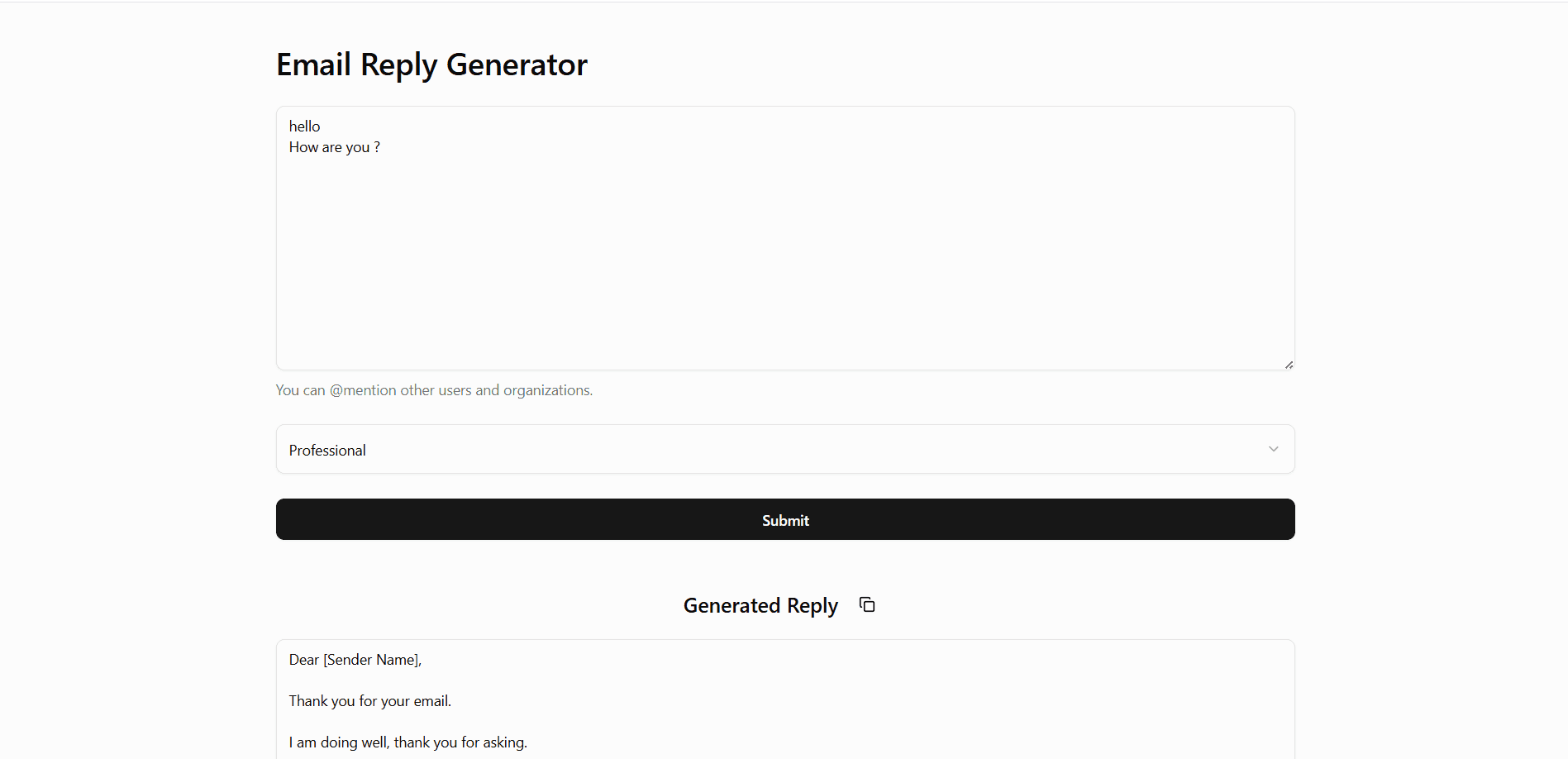
Email Reply Generator
AI-powered professional email reply generator with Chrome extension support.
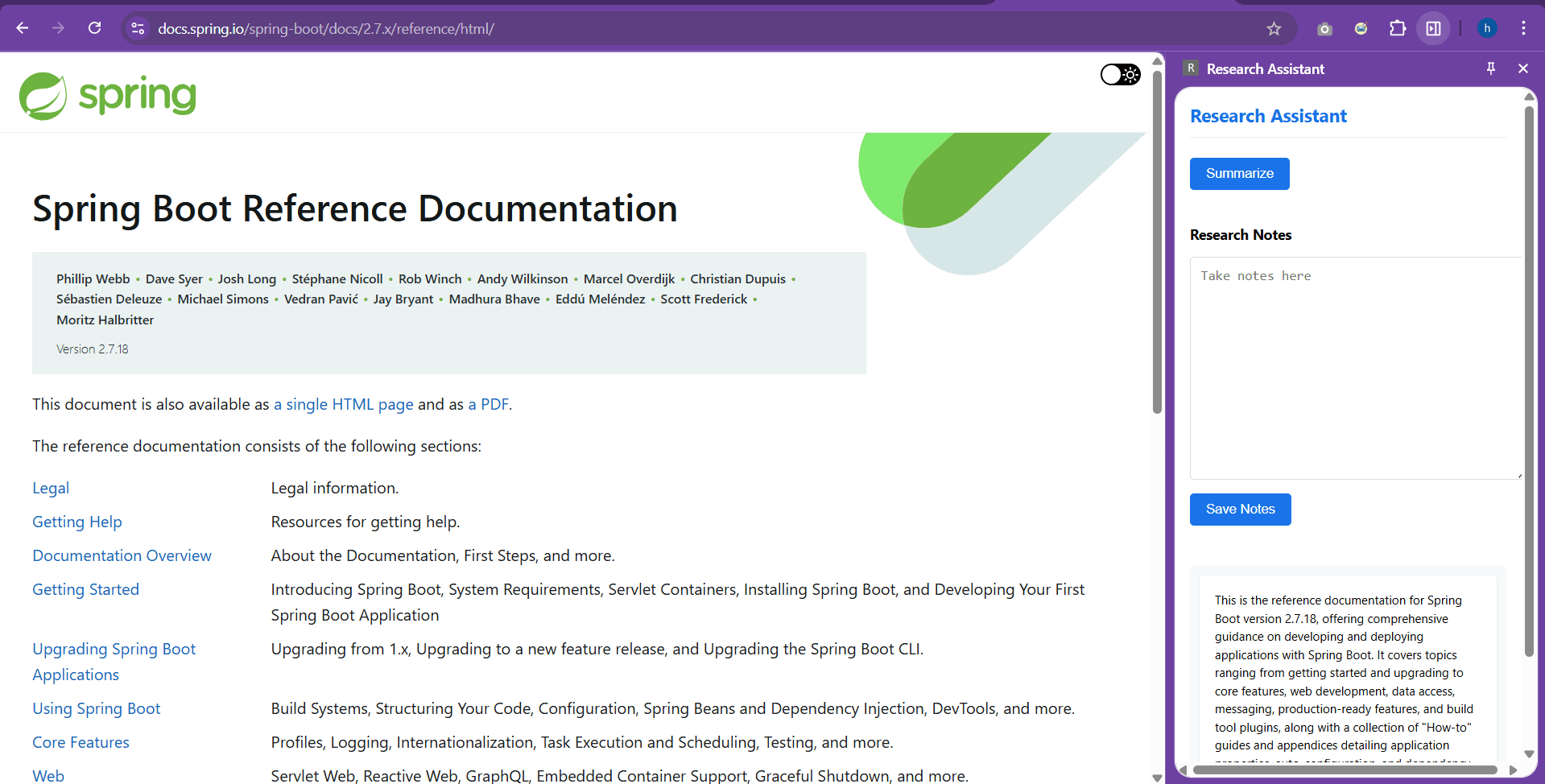
Research Assistant - Chrome Extension
Chrome extension to summarize selected text instantly and store notes.
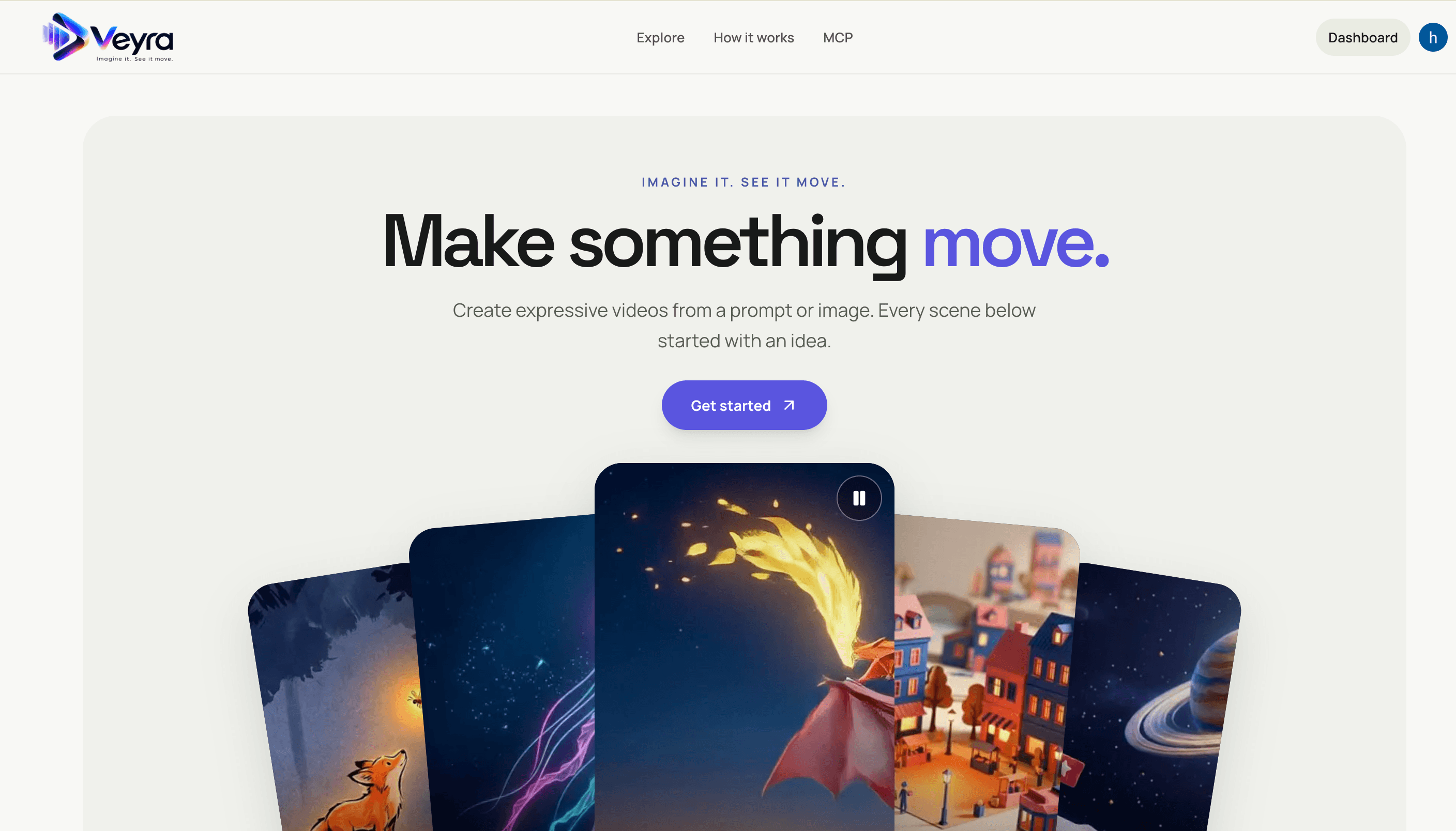
Veyra
Create videos from text prompts or images with a Next.js frontend and FastAPI service. Veyra dispatches generation jobs to on-demand Modal GPU workers, stores private results in S3, and offers a hosted MCP server for agent integrations.